Notiamo get MCP server. AI agent wey connect to am fit list di comments of one project, read one with im screenshot and photos, reply, change di status and assign am. You still dey in charge: you dey choose wetin e fit change, and you fit stop am any time.
To connect agent na for di agency team. Clients no dey see dis part.
Two ways dey to connect:
- Sign in with Notiamo (di best): di agent go open one Notiamo page, you click Allow, and e don connect. No key to copy or to keep safe.
- Key, for agents wey no fit sign in. You go create am with one click and paste am inside di agent.
Connect with Sign in with Notiamo
- For di sidebar, open Settings › AI agents. Di first card na Connect your AI agent.
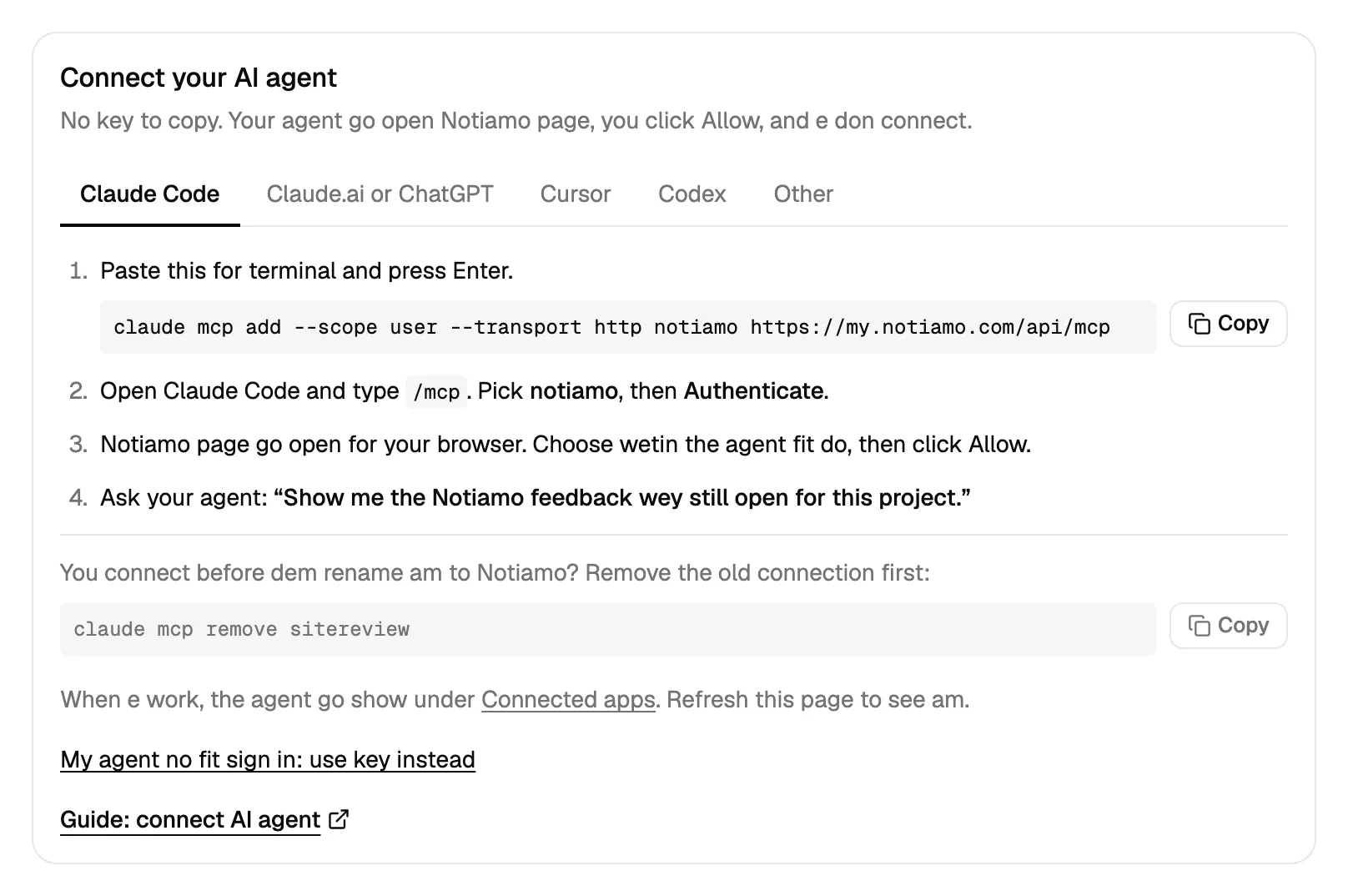
- Pick your agent for di tabs: Claude Code, Claude.ai or ChatGPT, Cursor, Codex or Other. Each tab dey show wetin to copy.
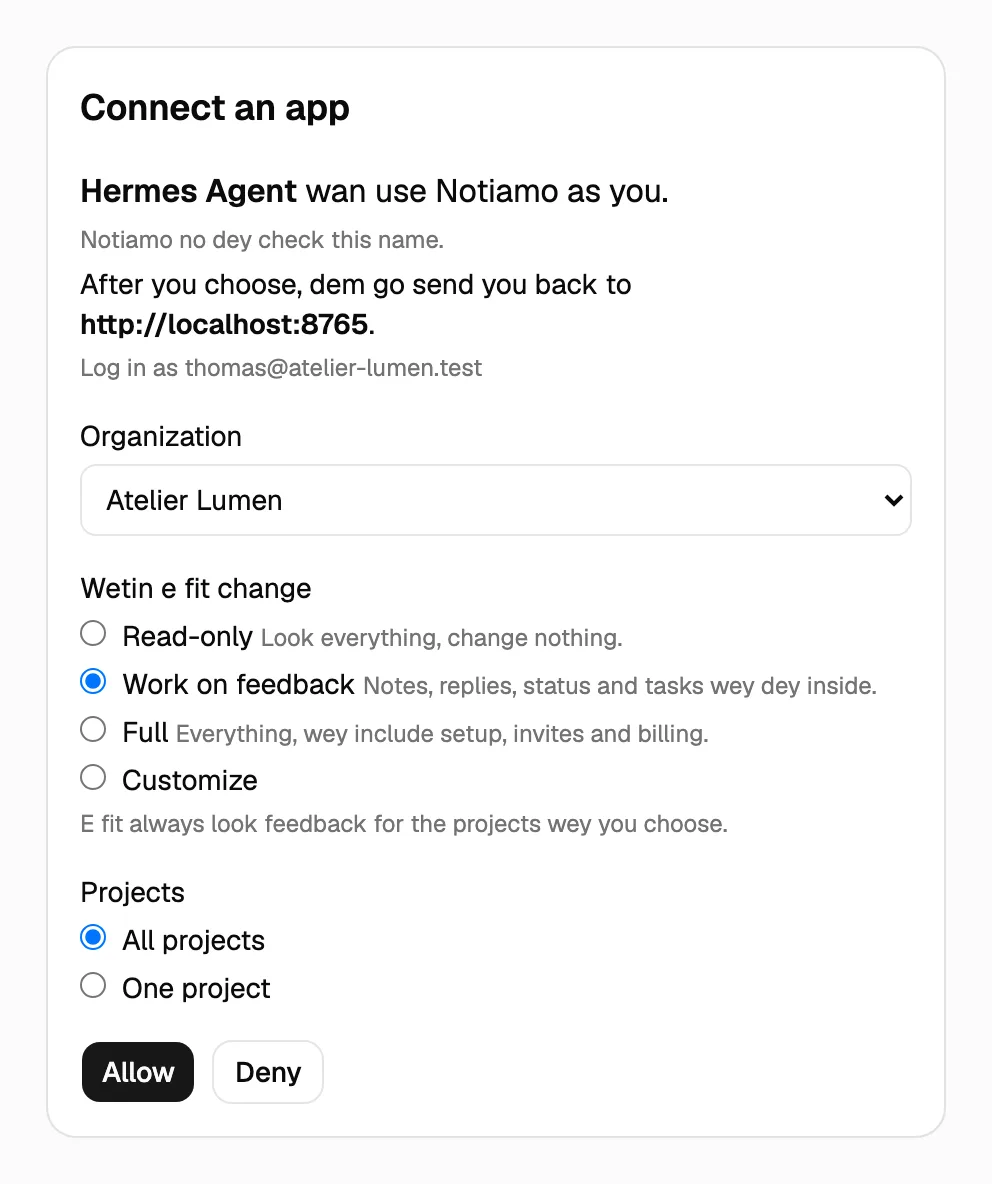
- Do di steps for di tab. Di agent go then open di Notiamo page Connect an app.
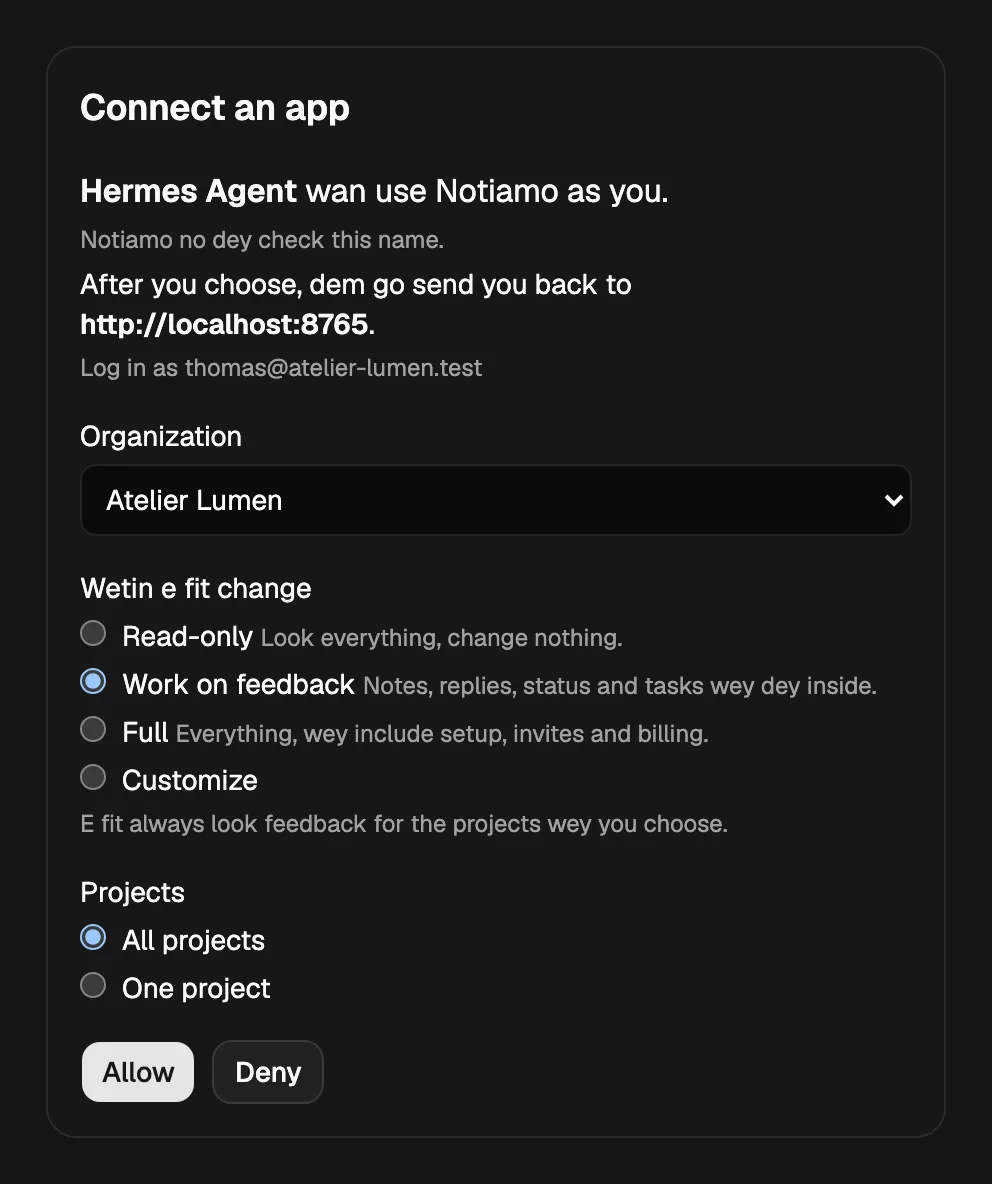
- For dat page, choose di Organization, Wetin e fit change (Work on feedback dey ticked; choose Full or Customize for more) and di Projects. Press Allow.
Di agent go now show for di Connected apps card. Refresh di page to see am.
Claude Code
Run dis one time for terminal:
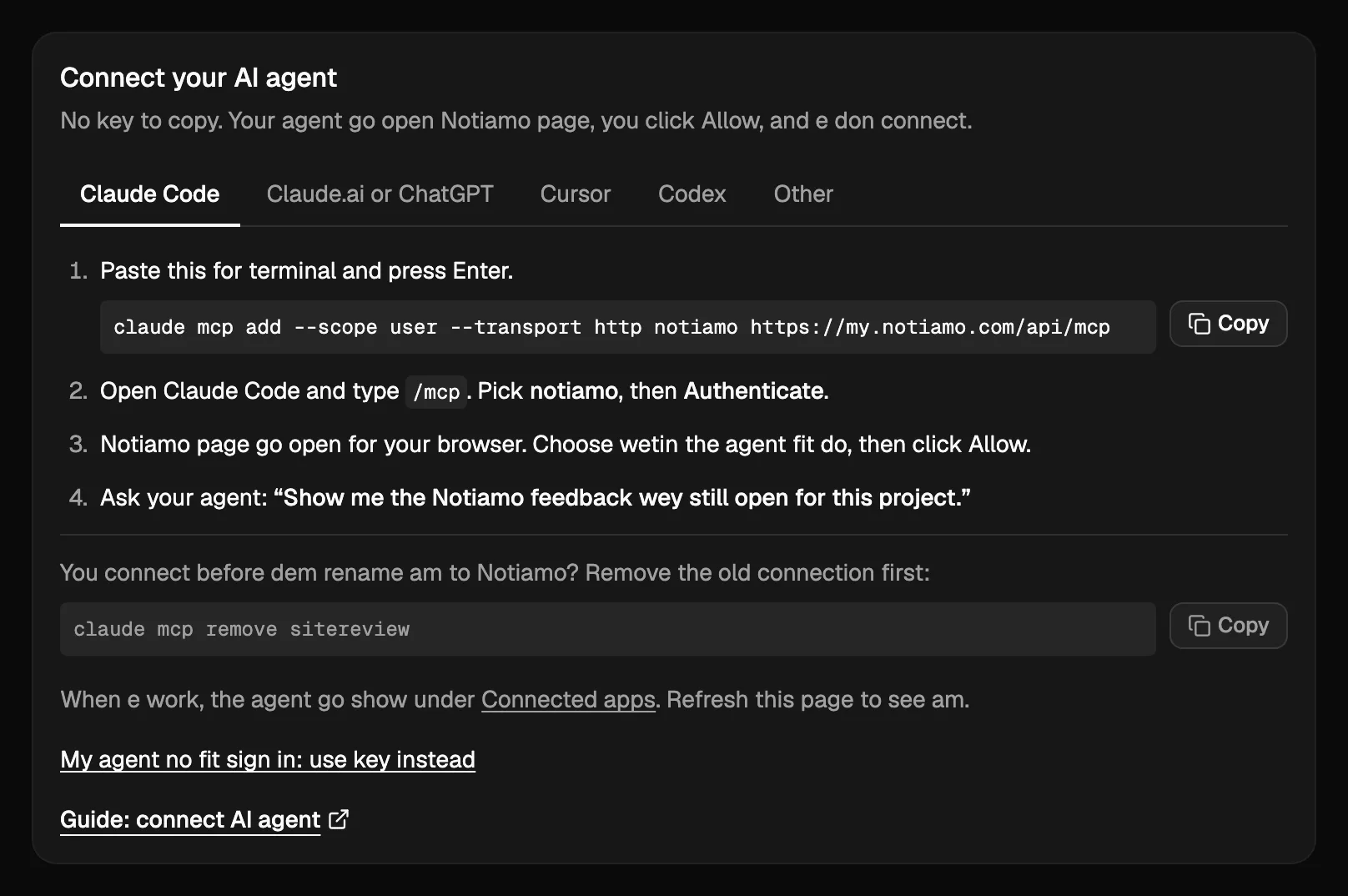
claude mcp add --scope user --transport http notiamo https://my.notiamo.com/api/mcpIf you use --scope user, di connection go work for all your code folders. If you no use am, e go work only for di folder wey you run am.
Then open Claude Code and type /mcp. Pick notiamo, then Authenticate. Your browser go open di Notiamo page: press Allow.
For di code folder of one website, ask: “Show the open Notiamo feedback for this project.” Or run di prompt /mcp__notiamo__work_on_feedback. E go carry di agent pass di comments one by one: start, fix, reply, mark done. Di agent no dey ever close comment; na di client dey check am and close am.
If you connect before Notiamo get im current name, remove di old connection first with claude mcp remove sitereview.
Claude.ai, Claude desktop and ChatGPT
Open Settings › Connectors for di app and add custom connector wey im name na Notiamo, with di address https://my.notiamo.com/api/mcp. Click Connect, then Allow for di Notiamo page. Di steps for each app dey for Personal AI agents.
Cursor and Codex
Di steps dey for Connect Cursor and Connect Codex.
Other agents
Agent wey fit sign in to MCP server (OAuth) need only di address https://my.notiamo.com/api/mcp. E go find di Notiamo sign-in by itself (for https://my.notiamo.com/.well-known/oauth-authorization-server).
Connect with key
Use key when your agent no fit sign in.
- Open Settings › AI agents and find di Agent keys card.
- Press Create key. Di key go get safe choices: Work on feedback, All my projects, e no go ever expire, and name like “Agent key – 28 Ọktóba 2026”.
- If you wan choose by yourself, open More options first: di Key name, di Access (Read-only, Work on feedback, Full or Customize, see Wetin agent fit change), di Project (all, or one only: key wey dem limit to one project no go see anything of di others) and when e go Expires (never, 30 days or 90 days).
- Di card go show Your key don ready, with di setup for Claude Code, Cursor and Other, wey di key don already dey inside. Copy am now: dem go show am one time only.
For Claude Code, di command go look like dis:
claude mcp add --scope user --transport http notiamo https://my.notiamo.com/api/mcp --header "Authorization: Bearer YOUR_KEY"Other agents: add HTTP MCP server with di address https://my.notiamo.com/api/mcp and di header Authorization: Bearer YOUR_KEY.
Key dey act as you. Keep am like password.
Wetin agent fit change
Agent fit always read di feedback of di projects wey e reach. Wetin e fit change dey for eight groups:
- Notes: internal notes for your team.
- Replies: replies wey your client go see.
- Status: change di status and assign.
- Tasks: add and edit tasks.
- Setup: workspaces, projects and addresses.
- Invites: invite clients. To invite team members, you need Full.
- Billing: di trial, payment links and new organizations.
- Moves: ask to move projects and workspaces.
Three choices dey ready: Read-only (no group), Work on feedback (Notes, Replies, Status and Tasks) and Full (all eight). With Customize you go tick di groups by yourself. When di agent try something wey dey outside im groups, Notiamo go refuse with permission_missing and call di group inside permission; read-only key go get read_only.
How di agent dey find di right project
Di agent dey look for di file .notiamo.json for di code folder. Download am from di project page for Notiamo with Download .notiamo.json, or make di AI prompt create am (see Install the widget). If dat file no dey, di agent fit match di git address of di folder with di Code repository setting of di project.
Wetin people dey see
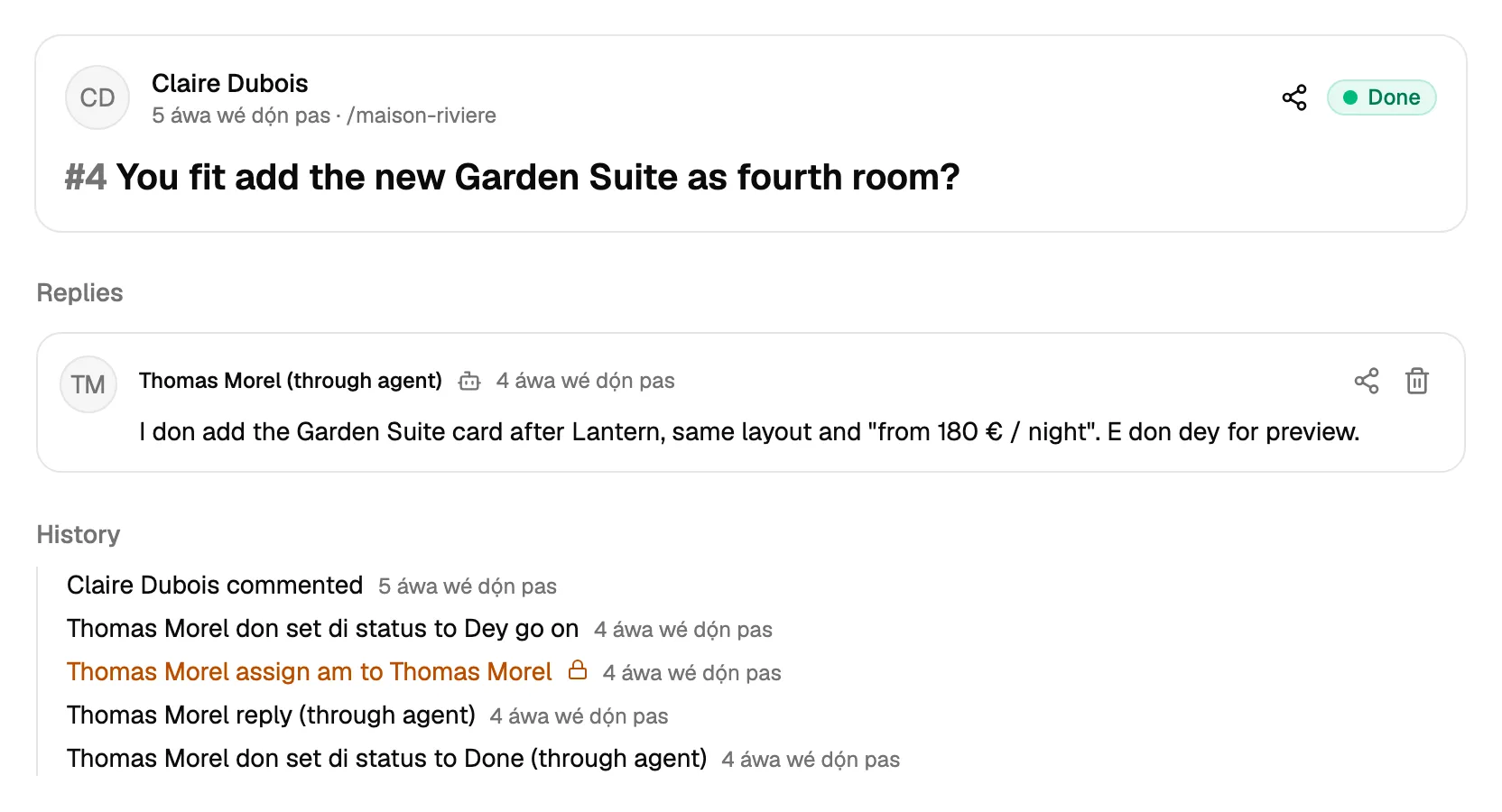
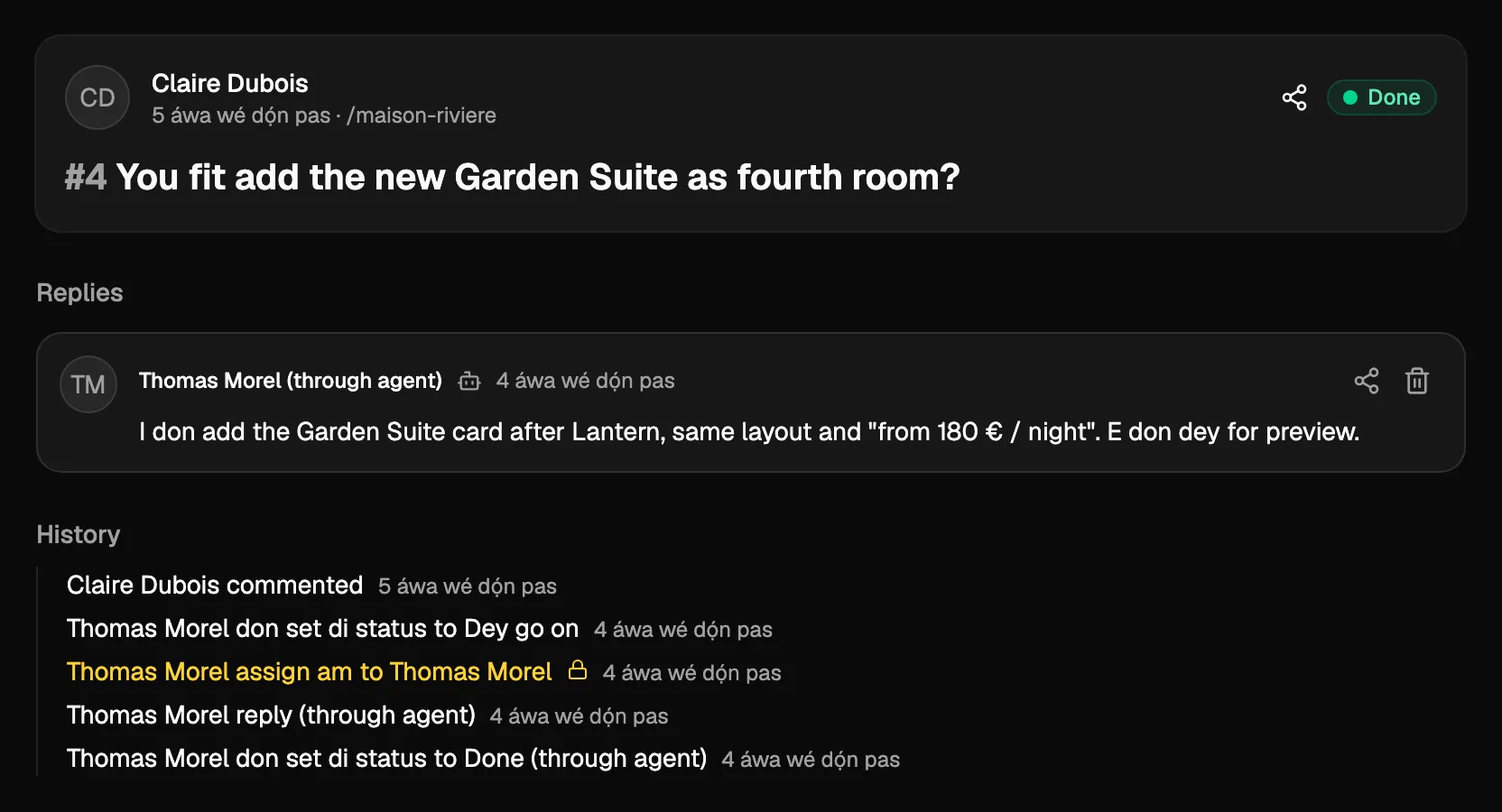
Replies and changes wey agent make dey carry im name for your team, for example (via Claude Code). Di name na di name of di key or of di app. Di client go see normal reply. Di agent fit write internal notes too, for technical details.
Stop agent
For agent wey connect with Sign in with Notiamo, open di Connected apps card for Settings › AI agents and press Disconnect. Di app go stop to work sharp-sharp; e fit ask you to connect again later.
For key, press Revoke beside am for di Agent keys card. Any agent wey dey use am go stop to work sharp-sharp.
If you want give di agent new key instead, press Replace key. Di old key go stop to work, and di card go show di new one one time. Key wey agent sign-up make get di mark Agent sign-up.
Make your agent set up everything
If you use Full, or di groups Setup, Invites and Billing, di agent fit do di setup by itself too. See Make AI agent set up Notiamo for you for wetin you go do, and For AI agents for di technical guide. Di tools:
get_account: e dey show your plan, limits and trial.list_plans: e dey list di plans and wetin dem include.get_billing: e dey show di billing details (admins only).start_trial: e dey start di free 14-day Studio trial, one time for each person (admins only).list_workspaces: e dey list your workspaces.create_workspace: e dey add workspace.list_projectsandfind_project: dem dey list your projects, or find di one for web address or code folder.create_project: e dey add project to workspace, with or without web address.update_project_address: e dey change di web address of project.get_install: e dey give di embed code and di steps for di project framework (projects wey get web address only).check_install: e dey check whether dem don open di widget for di project website.invite: e dey invite client or team member by email.get_payment_link: e dey create Stripe payment link and email am to you; na you go pay (admins only).
For di free plan, your first project don already dey after sign-up, so create_project usually go answer plan_limit. Di agent go then use update_project_address for dat project. Key wey dem limit to one project fit read di install facts and change di address of dat project; e no fit create, invite, start trial or ask for payment.
Agent fit also add task with create_task (projectId, title, and if you like text and pageUrl), and change im title or text with update_task. Both dey count for daily limit on new workspaces, projects and tasks; di refusal go tell you when you reach am. See Tasks.
Job reports
For Studio and Agency, and during di trial, your agent fit write up di job reports wey your clients send: article about di job, then di social media posts. Di tools:
list_job_reports: e dey list di job reports of your projects.state: "ready"dey give di ones wey dey wait for article;not_donedey give all except di ones wey finish.get_comment: e dey read one, with di facts of di job, di files by phase (before, during, after, other) with dia captions and ids, and, while di article dey wait, di approval link.replywithrole: "article": e dey post di article, for di language of di job report. Di state go become Article dey wait for approval.request_approval: e dey email di approval link. By default e go di person wey dem assign when na client person of di workspace, if no be so e go go di author of di task;to: "author",to: "assignee"orto: "client"(every client person of di workspace) dey let you choose. One time for each task for one hour; send wey no email comot no count.replywithrole: "posts"andfiles(di ids of di photos to use): e dey post di social media posts, after dem approve di article.update_file: e dey set di phase or di caption of file. Caption wey dem write like dis go show AI fill am, abeg check am; Notiamo no dey write captions by itself.create_taskandupdate_taskdey takejobReport, to turn task to job report or change im facts.
Na only person dey approve article: di client, or team member wey fit write for di project. Agent no dey ever approve; e go give di person di approval link or call request_approval. People dey publish di social media posts by hand. update_file need di Tasks group; reply and request_approval need Replies. Webhooks dey send each move as job.state_changed (see Webhooks and API keys).
Voice notes, captions and time notes
For Studio and Agency, and during di trial, get_comment dey also give wetin AI add to di files:
- Recording dey show with link to di audio and im transcript (
Transcript (fr), by AI: "…"). Transcript wey come later go show as not posted. - AI caption get di mark
(AI, not checked)until person check or edit am. - Video wey pass about 20 seconds get time notes, one for each line:
0:00–0:12 wide view of the room. Your agent fit show di team one moment. Clients no dey see time notes. - When AI no fit process file, di answer go talk am for di plain words wey people dey see, with reference code like
AI-1A2B3C4Dto give support. E no dey ever show technical error.
list_plans and get_billing dey give di voice and AI minutes for each month. See Tasks.
Only wetin change
list_comments dey take since: UTC time, or di cursor from im last answer. Di agent go then get only di comments and tasks wey change since dat time, for one project or for all im projects. Agent wey dey check every morning go keep di cursor, and e no go read everything again.
list_activity dey tell wetin happen since one time: each new comment or task, each reply with im text, each status change and assignment, with who do am and when. For di team e dey show di people wey join too. E dey take di same since and e dey give cursor. Ask your agent: “Tell me what happened on my projects since Monday.”