Di widget na one script tag. People wey visit di site no go see anything. Only people wey open di review tools dey see di Review button.
Copy di embed code
- For di sidebar, open Workspaces, then di workspace, then di project.
- Inside di Embed code card, press di copy button. Di line look like dis:
<script src="https://my.notiamo.com/widget.js" data-site="pk_…" defer></script>- Paste am one time inside di site, just before di closing
</body>tag. Put am inside di shared layout or di theme footer, so e go dey every page. - Publish di site.
Di data-site key na public. E dey work only for di domains inside di project Allowed origins.
For di free plan, di embed code get one more line, just above di script tag:
<!-- Notiamo (notiamo.com): website feedback. Free plan: keep this line. -->Keep dat line when you paste di code: di terms of di free plan need am. Di widget dey also show small Made with Notiamo link.
Or make your AI agent do am
If you dey build di site with Claude Code, Cursor or another AI agent, use di Prompt wey AI agents go use for di same page.
- Press di copy button of di AI prompt.
- Paste am inside di agent, for di code folder of di website.
Di agent go add di embed code and create di project file .notiamo.json. Dat file dey link di code folder to im Notiamo project, so di agent fit read di comments later. See Connect an AI agent.
Di footer badge
Small Notiamo logo for di website footer give your reviewers one clear way enter: one click go open di login window, then di review tools. For everybody else na link to Notiamo. For di project page, open Footer badge: choose di website language, then copy di code put for di footer of every page, or give di AI prompt to your agent. No change di code.
Show di review button
- Open any page of di site and add
?notiamo=1to im address, for examplehttps://example.com/?notiamo=1. - Di Log in make you review button go show for di bottom right. After you log in, e go read Review.
Di browser dey remember dis one. Next time, di button go dey without ?notiamo=1.
To show di button to every visitor, open di project page for Notiamo, tick Always show button inside di Settings card and press Save project. Dis one good for staging site. Only admins dey see dis card.
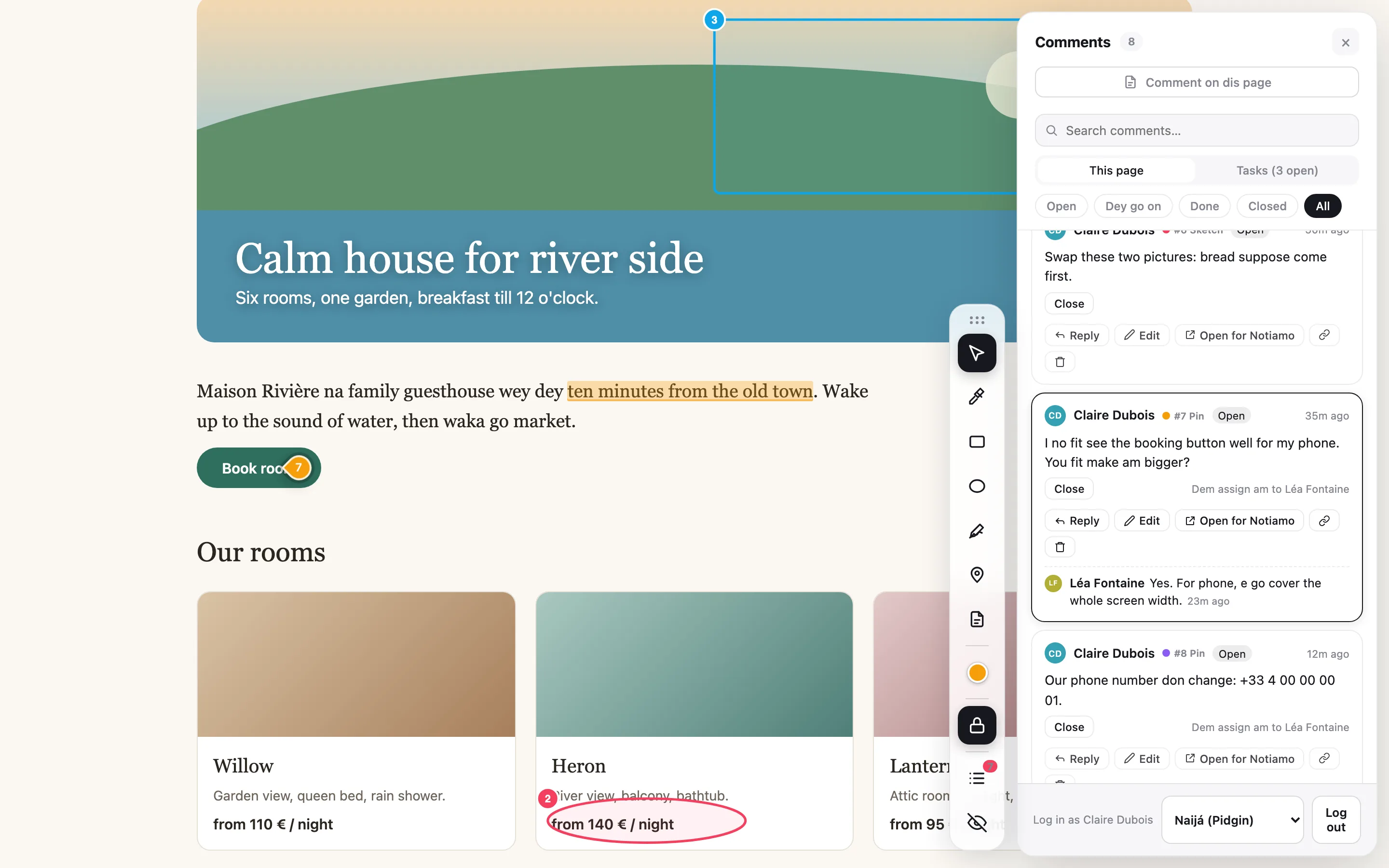
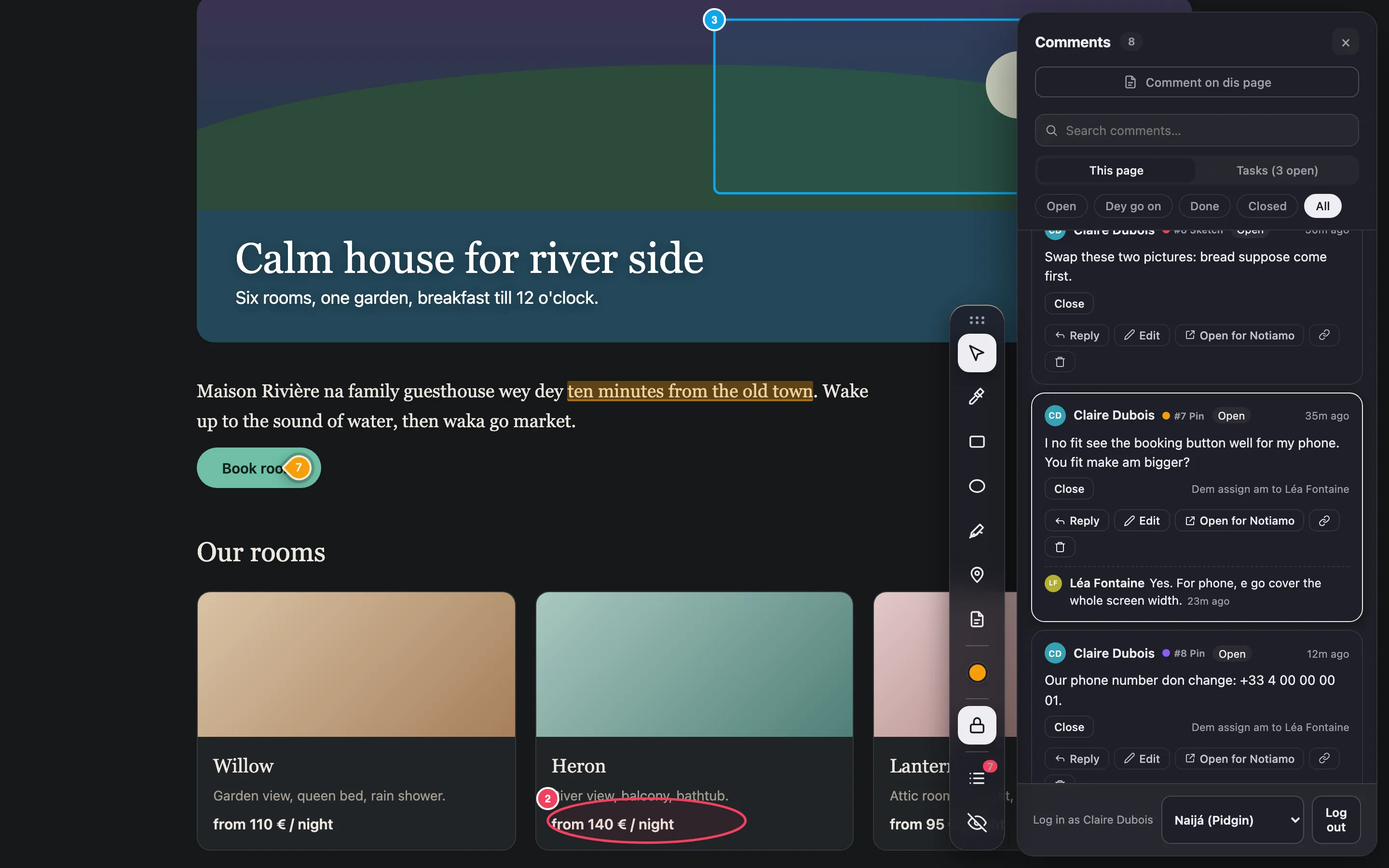
Hide di review tools
Di × for di button dey hide di review tools for dis site, for dis browser. You fit also open page with ?notiamo=0. Open page with ?notiamo=1 to bring dem back.
If di button no show
Check say di page address dey inside Allowed origins, say di embed code dey for di page, and say you use ?notiamo=1. More dey for Fix common problems.