For agencies
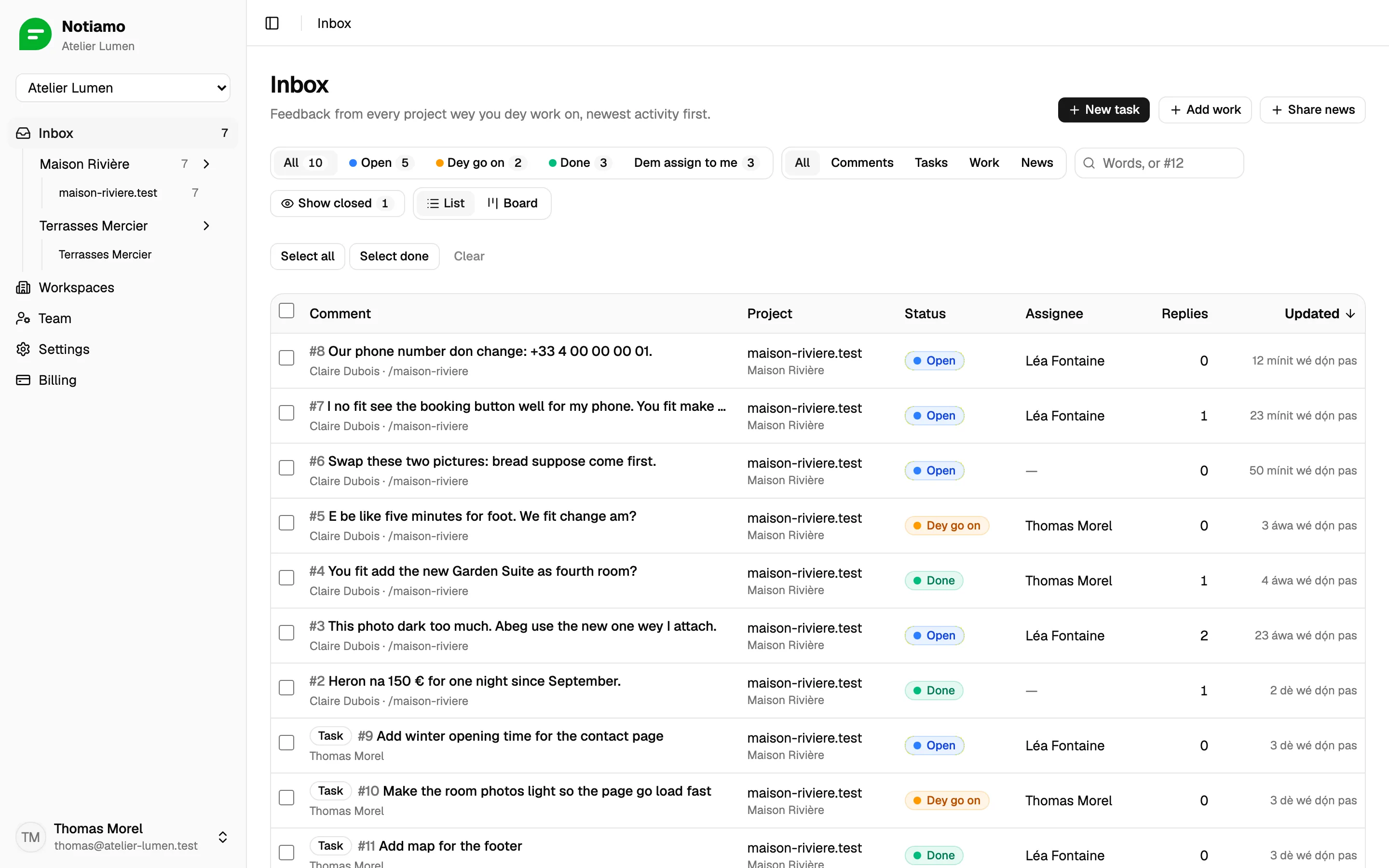
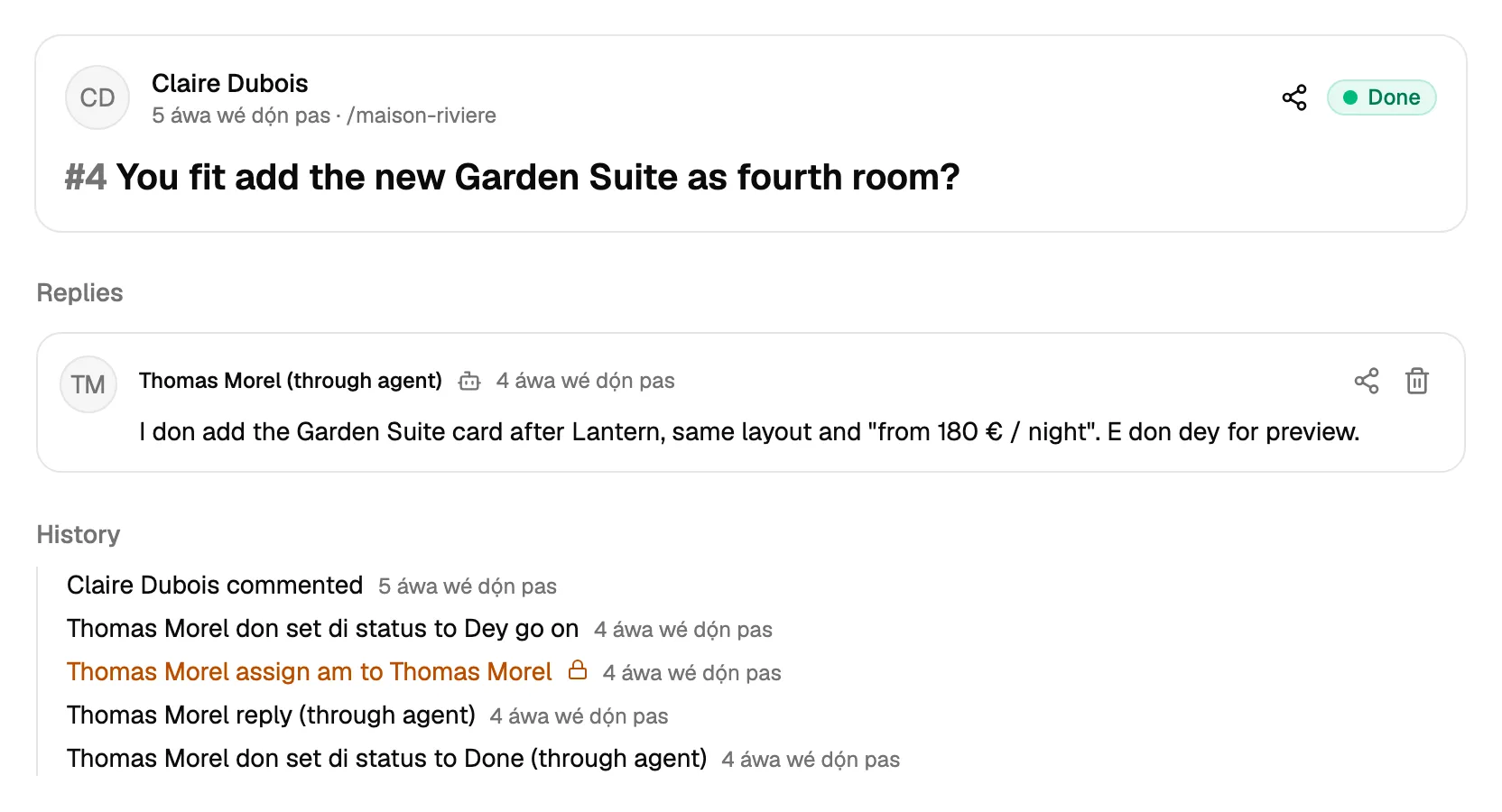
Your clients dey review their website and leave comments for the page, and send you the work to do: tasks, finished jobs and news. Your team go discuss, fix and mark each one done.
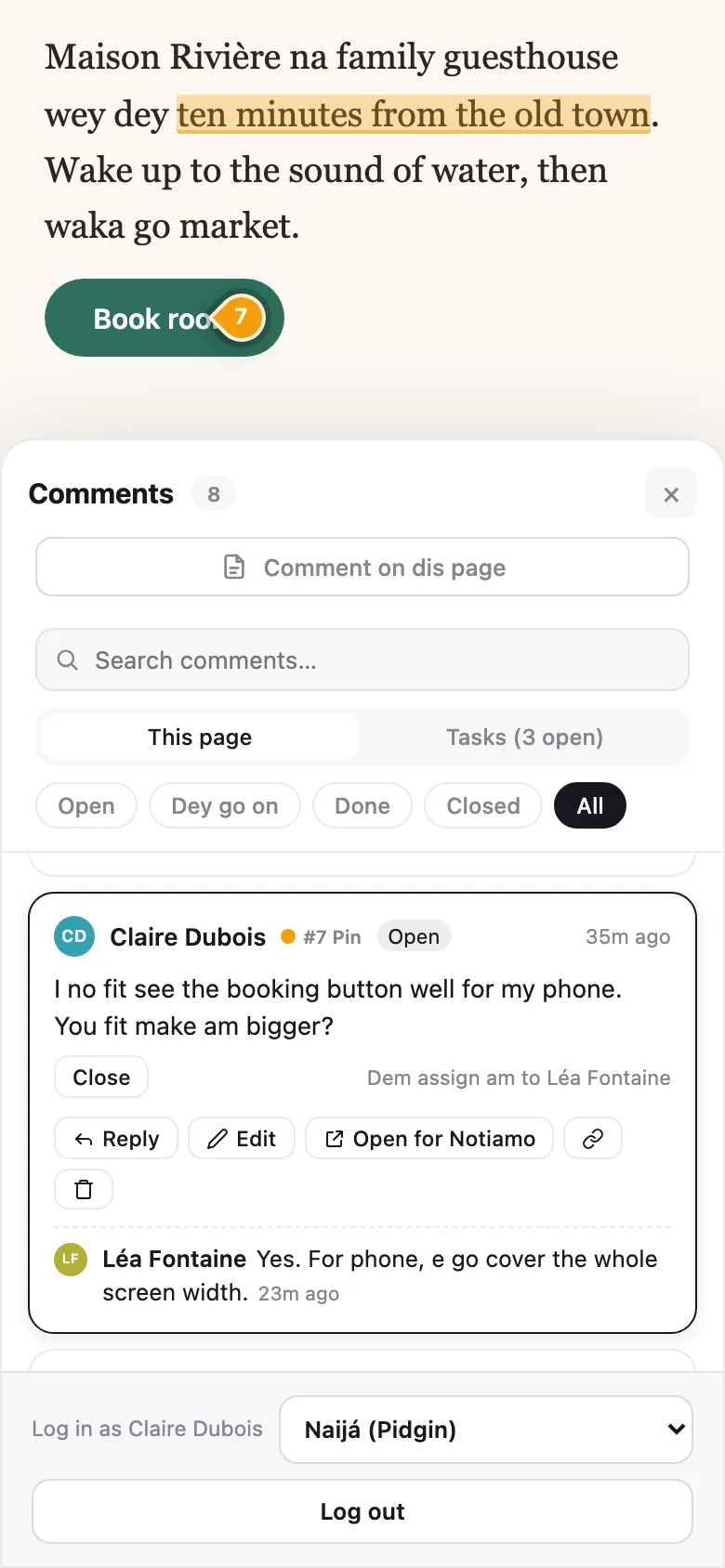
Done. I make am darker and bigger. You fit check am?
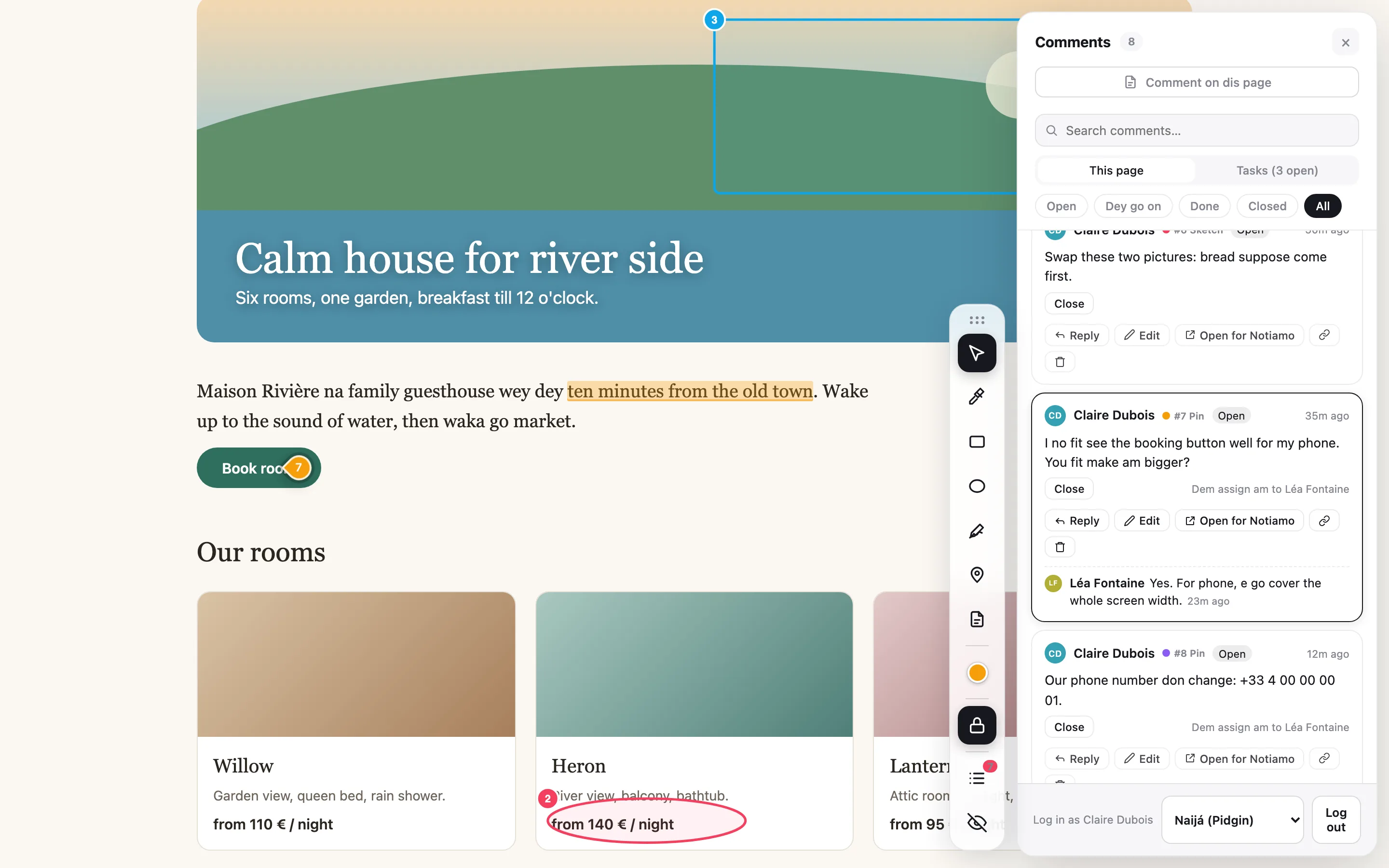
The only tool for client feedback and project intake wey you go ever need.
Notiamo make your clients fit leave comment for their website, for the exact spot, and send you the work to do, even when website no dey. Feedback and work, side by side: you go get the page, the screenshot and the discussion for one place.
Notiamo make you fit leave feedback for your own website, for the exact spot. Your AI agent go get the page, the screenshot and your note, and e go make the change.
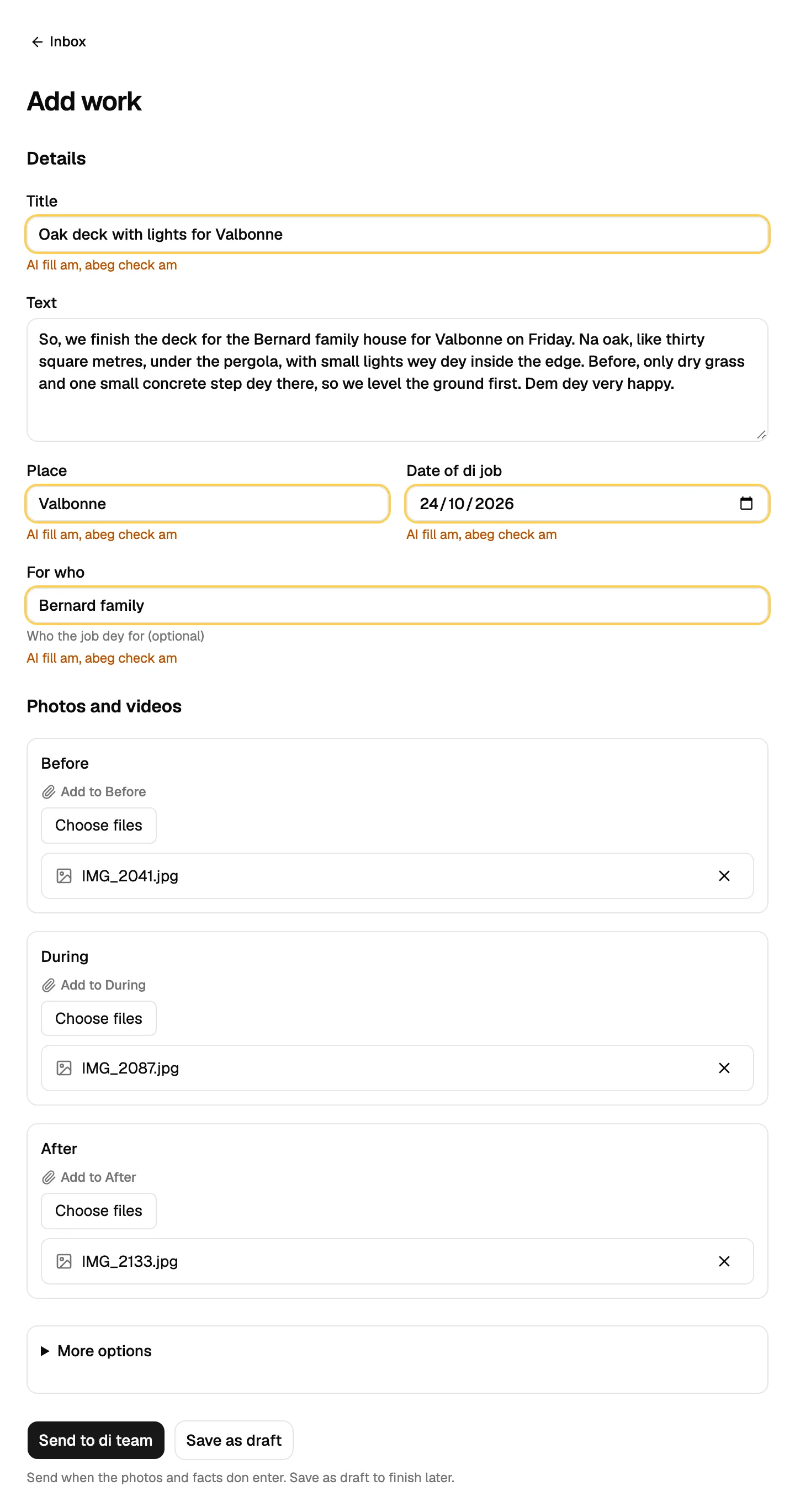
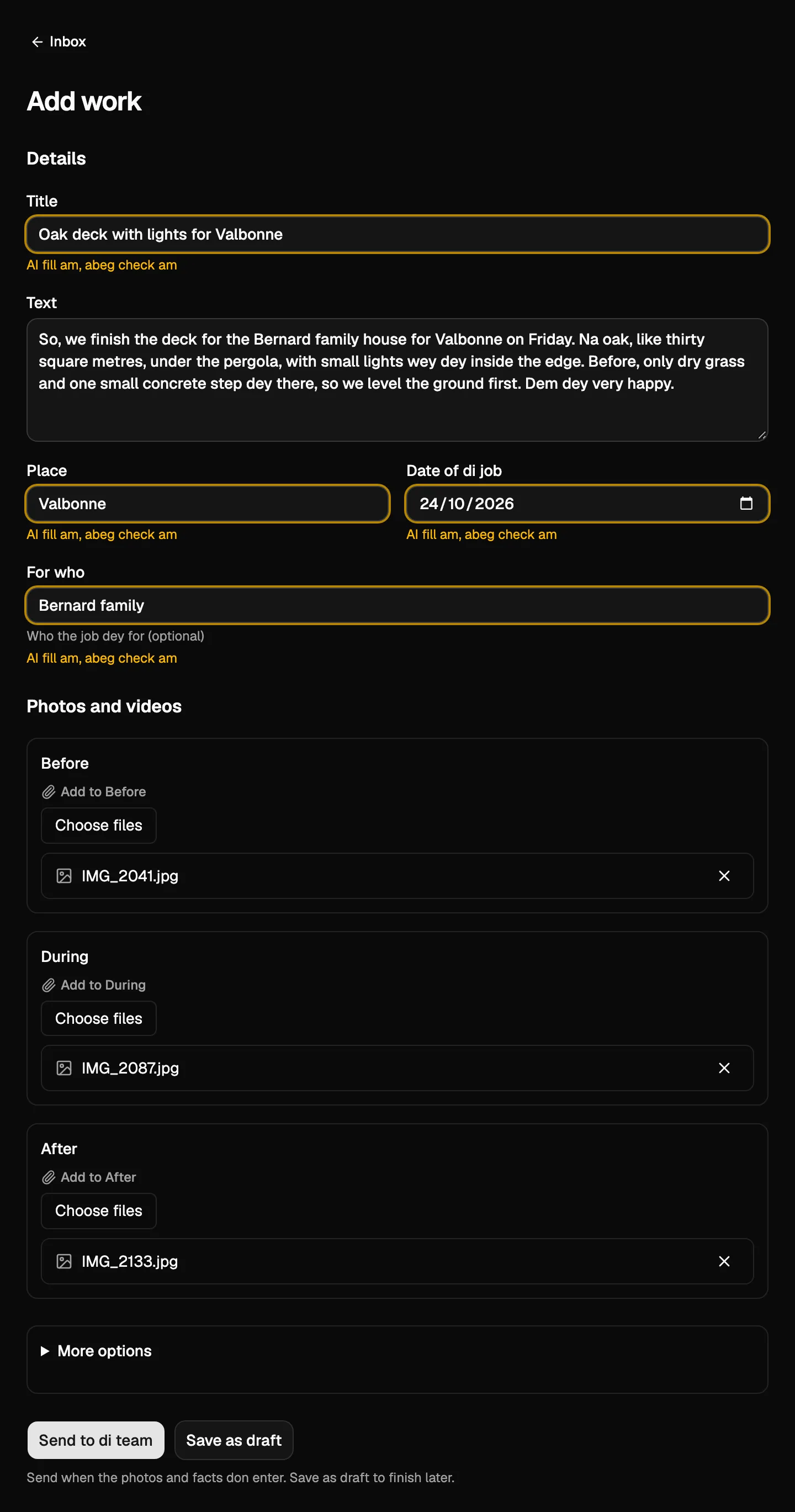
No typing, no tech skills. Your clients go take few photos and talk for one minute about the work wey dem do or their news. AI go fill the title, the place, the date, the customer and caption for each photo. You go check am and publish.
Free plan, you no need card. Try Studio free for 14 days.
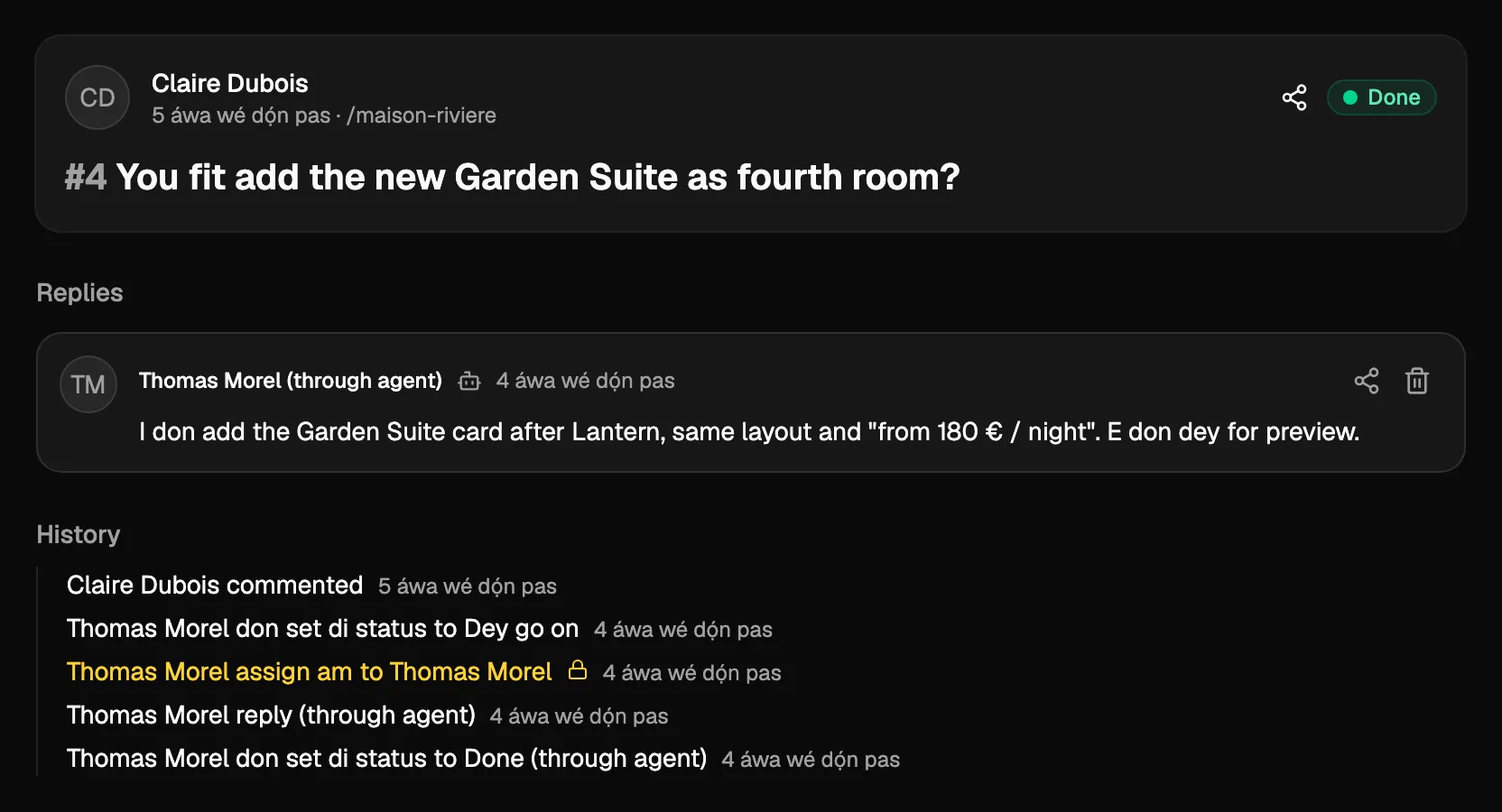
Your clients dey review their website and leave comments for the page, and send you the work to do: tasks, finished jobs and news. Your team go discuss, fix and mark each one done.
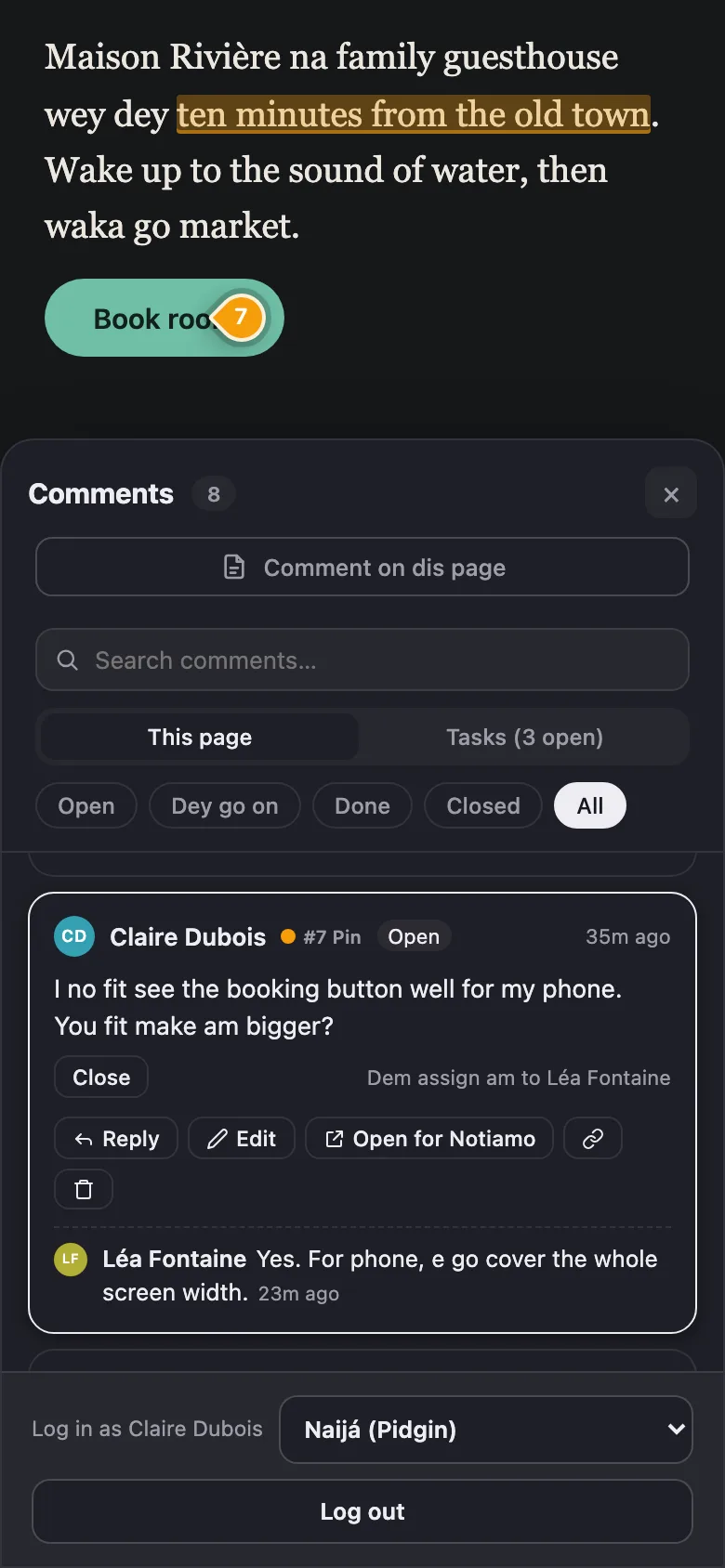
Done. I make am darker and bigger. You fit check am?
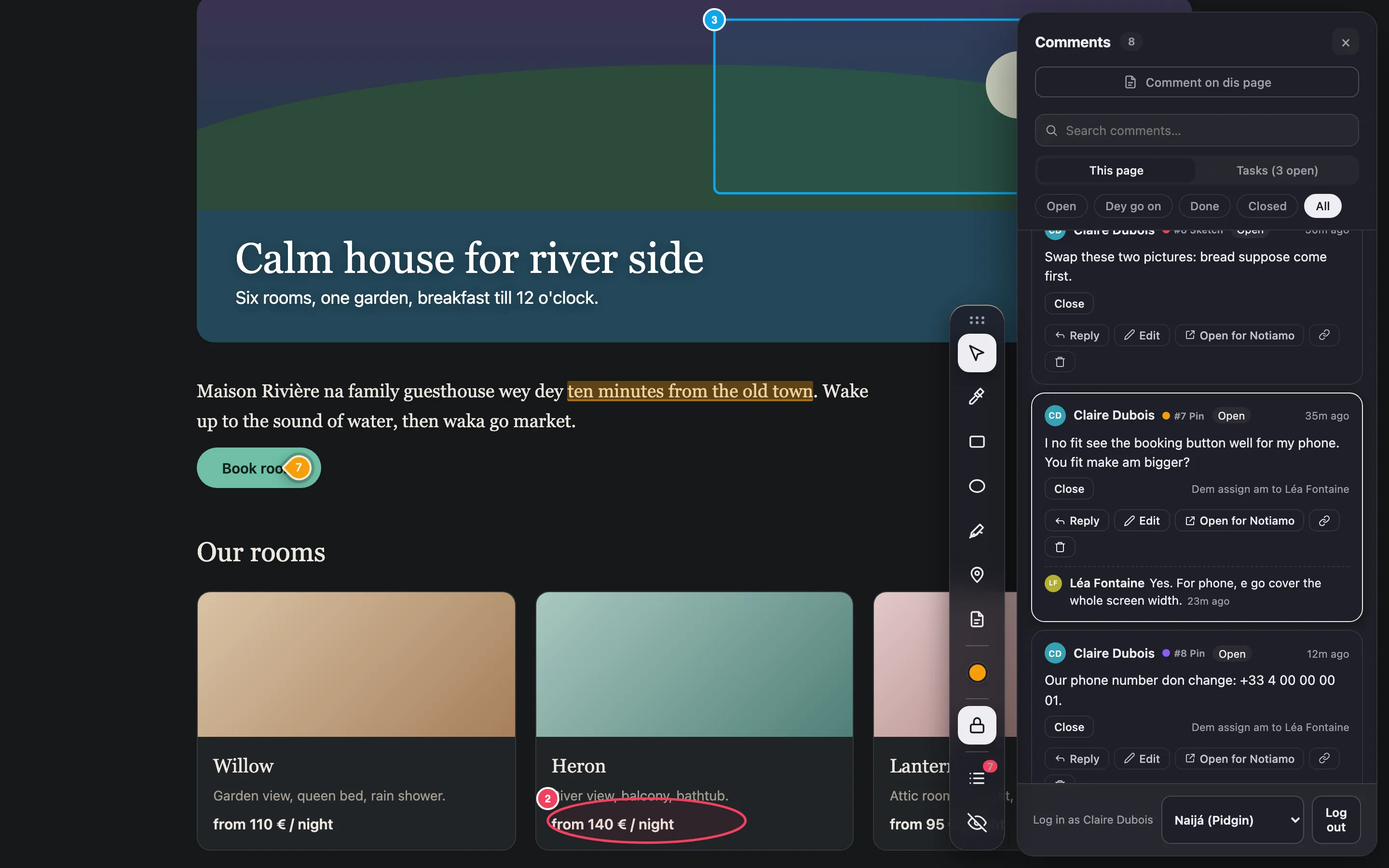
You dey build your product with Claude Code, Cursor or another agent. Click wetin wrong for your own site, write wetin you want, and your agent go read am with the screenshot and make the change.
I change the button colour to the brand blue and raise the size to 18px.
Four steps from client comment reach closed task.
Copy the script tag from your dashboard put am for the site. E dey work for WordPress, PrestaShop, Webflow or your own code.
Dem go add ?notiamo=1 to the address one time and log in with link wey we send for email. No password to remember.
Pin, box, circle, highlight or free drawing. Notiamo dey keep the page, the element, the screen size and screenshot.
You go discuss am inside thread and mark am done. Your client go check the change and close am, or open am again.
No more screenshots by email, lists inside Word files or "the blue thing for left side".
Each comment fit carry screenshot of the client screen, with the full address, screen size and browser.
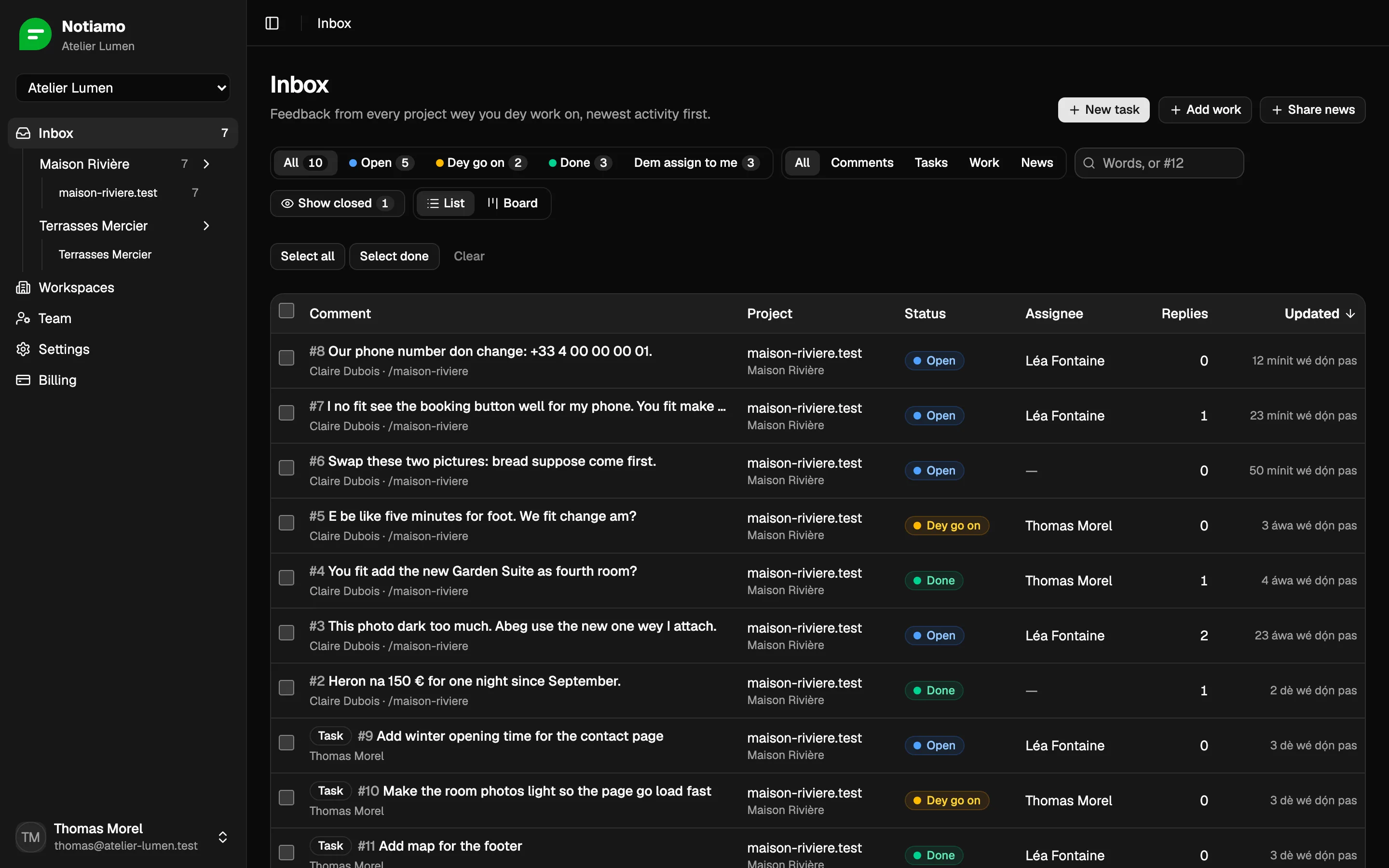
Open, in progress, done, closed. Assign each comment to one person for your team.


Each person go get summary of wetin change, every hour or every day. Dem go choose.
The widget dey show only to people wey log in. Use am for staging or for the live site.
Each client go see only their own projects: website, or work wey no get web address. Dem fit invite their colleagues by themselves.
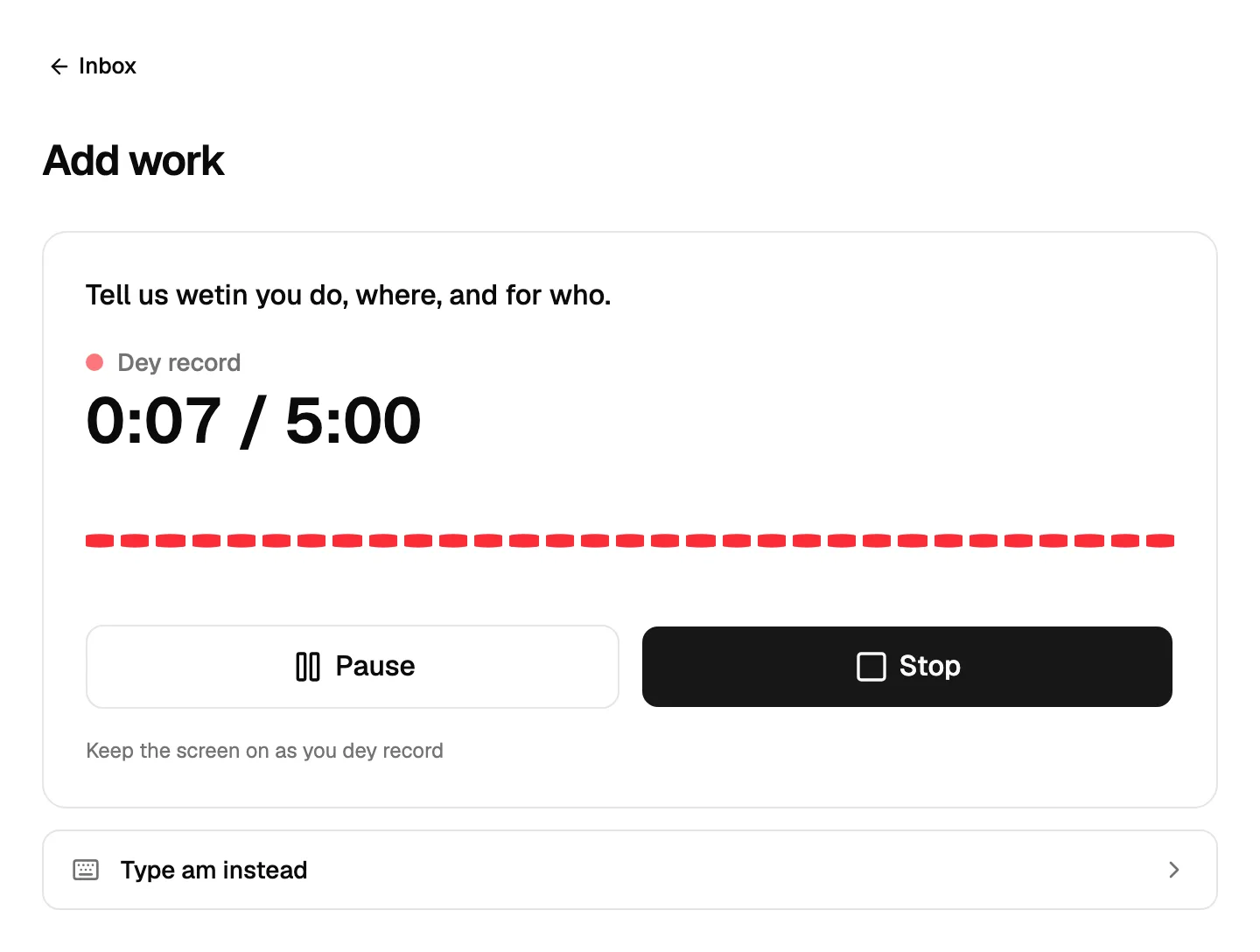
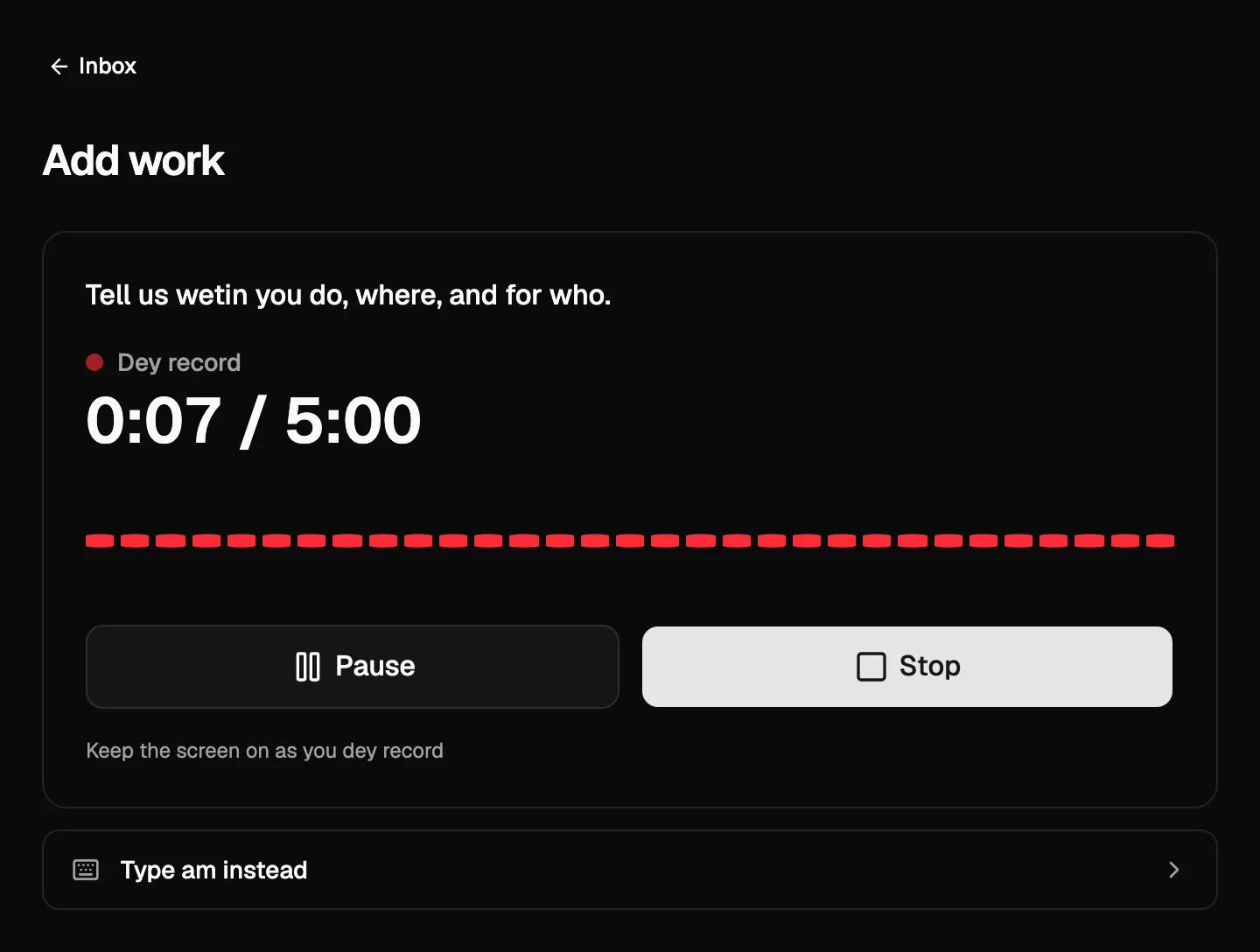
Your clients go take few photos and talk for one minute. Notiamo go write am up: the text, the place, the date, the customer and caption for each photo. Your team go get the work ready to publish.
Press Record it and talk wetin you do, where and for who, up to 5 minutes. Notiamo go write am out for the language wey you speak.
The title, the place, the date and the customer go come from the recording, and dem go mark am "AI fill am, abeg check am". Nothing dey go before you check am.
Add photos and videos to Before, During and After. AI go write short caption for each one, and your team fit change am.
Voice notes and AI dey inside Studio (120 minutes for one month) and Agency (500). Typing dey always work, for every plan.


To describe problem inside chat slow. "The second button inside the card for pricing page" no clear to agent. With Notiamo you go click the element, and the agent go get the page, the element, the screen size and screenshot.
E dey work with any agent wey support MCP. You no need team: one person reach.
Connect Claude Code, Cursor or another agent to Notiamo. For your code folder, e go find the project, read the open comments with their screenshots, make the change, reply and mark am done.
# 1 $ claude mcp add --scope user --transport http notiamo https://my.notiamo.com/api/mcp --header "Authorization: Bearer ntm_…" # 2 .notiamo.json { "site": "pk_…" } # 3 $ claude > work on the Notiamo feedback ✓ set_status done


Ask Claude Code, Cursor or another agent make e add Notiamo to your website. E go do the setup over MCP, and you go step in only two times: to confirm your email and to approve payment.
The agent go sign you up with your email. You go confirm with the link wey we send you.
E go add your website address and put the widget inside your code.
E go check say the widget dey work, then invite your team or your client.
E go read the feedback, make the change, reply and mark am done.
When you need more, e go ask you to upgrade. You go pay on Stripe; the agent no dey ever see your card details.
You still dey in control: the key of the agent dey Settings > AI agents > Agent tokens, where you fit revoke or replace am any time. You fit report sign-up wey you no ask for, and limits dey stop abuse.
Guide for AI agentsThe dashboard, the widget and the emails dey for 20 languages, from English, Spanish and Portuguese reach Arabic, Hindi and Chinese. Arabic and Urdu dey read from right to left. Each person go pick their own.
Your language no dey the list? Contact us and we go make Notiamo dey available for am.
Start free with 1 project, no card needed. Or try every feature of Studio free for 14 days, with card.
€0
Free for good
€9 / month
or €90 for one year (2 months free)
€39 / month
or €390 for one year (2 months free)
€99 / month
or €990 for one year (2 months free)
Prices no include VAT. Dem go add tax when you dey pay, e depend on your country. Cancel any time.
No. The widget dey hide until person wey get access log in. Normal visitors no dey see anything.
You go invite dem by email. Dem go log in with link wey we send to their inbox. No password dey.
Any website where you fit add script tag: WordPress, PrestaShop, Shopify, Webflow or custom code.
Yes, for comments, photos and videos (videos for Studio and Agency). Screenshots need desktop browser.
Free plan dey for 1 project, you no need card. Paid plans start from €9 for one month for 3 projects, and you fit try Studio free for 14 days. See the plans above.
Add one line to your site and invite your team and your clients. Every comment, screenshot and reply for one place.
Free plan, you no need card. Try Studio free for 14 days.
Internal notes
Talk with your team inside the same thread. Your clients no dey ever see internal notes.