You no need to keep di dashboard open. Notiamo dey send you short email wey show wetin change for your projects since di last one.
Wetin di email get
- new comments and replies;
- status changes;
- assignments;
- comments and replies wey dem edit, and replies wey dem delete.
Each line dey link to di comment. Di button Open the inbox dey carry you go di dashboard.
You no dey ever get your own actions back. Clients dey get only wetin dem fit see: no internal notes, and only dia own projects.
Choose how often
- Open Settings › Notifications.
- For di Email digest card, keep Email digest ticked.
- Pick di Digest frequency:
- Sharp-sharp: email as soon as something happen;
- Every hour: at most one email for one hour;
- Once a day: one email for one day.
- Press Save settings for di same card.
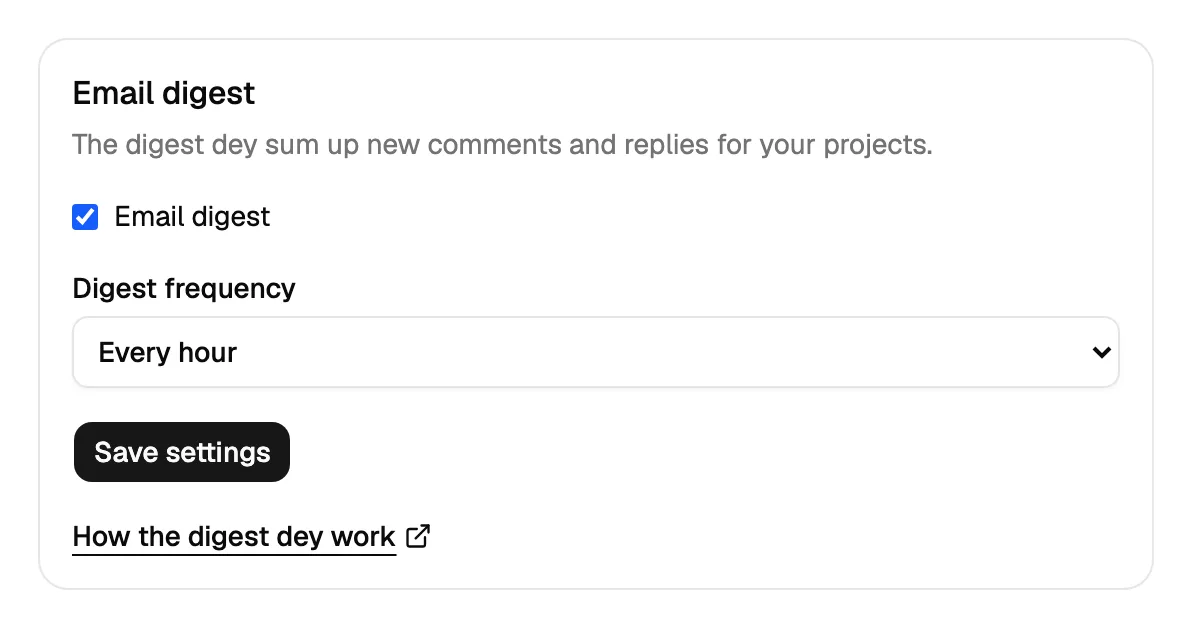
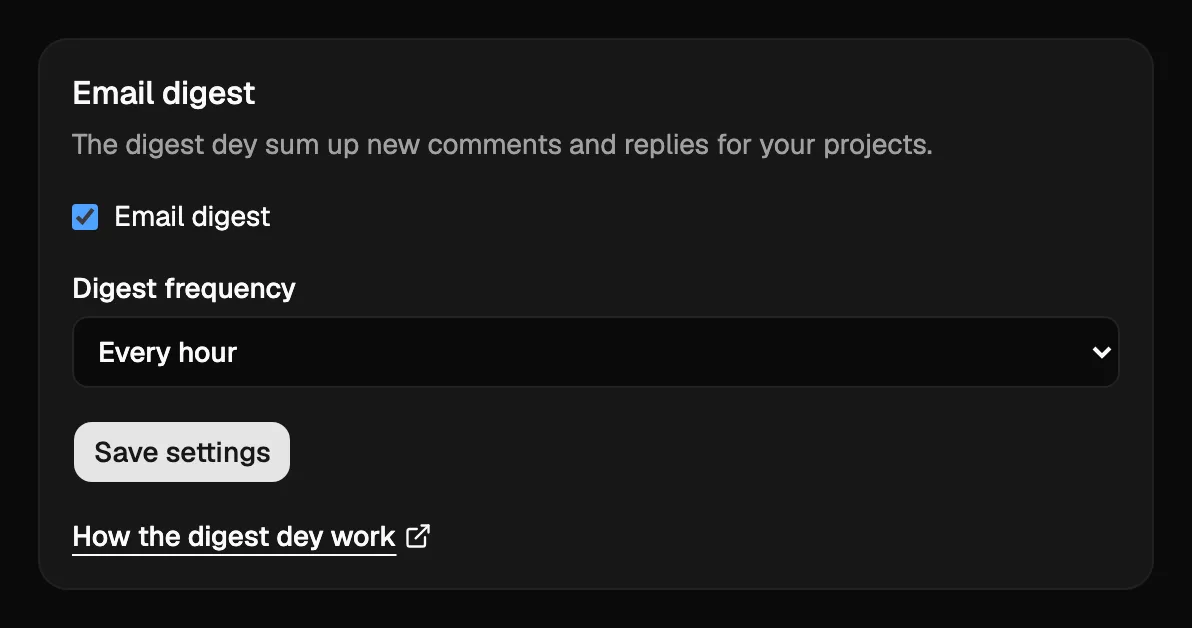
New accounts dey start with di email on, every hour. New client people dey start for Sharp-sharp.
Turn di email off
Untick Email digest and press Save settings. Di link wey dey di bottom of every summary, “Change how often you get this email”, dey open di same page.
Mentions dey come at once
When person call your name with @ inside comment or reply, you go get email sharp-sharp, no matter your frequency. Everything else go still wait for your usual summary.
Replies and “done” dey come at once
When person reply your comment publicly, or mark am Done, you go get email sharp-sharp, no matter your frequency, except you turn di email off. Internal notes no dey ever reach clients. Every email get Answer for Notiamo button: clients fit also log in to di dashboard to see dia comments and answer dem.
Language of di email
Di email dey use di language of your account. Change am with di Language menu inside di Profile card, for Settings › Profile. See Languages.
Other ways to know
To post every new comment inside Slack, or to send am go another system, add webhook. See Webhooks and API keys.
To get notification for your phone or computer, or to choose wetin go come by email for one workspace or one project, see Notifications.