Personal AI agents dey work for you all day, even when your laptop close. OpenClaw, Hermes Agent, ChatGPT dots, Grok Bot and Meta Muse na agents of dis kind. Each one fit use Notiamo for you: open di account, set up di project, and then work with you on di feedback of your clients.
Dis page go tell you wetin di agent dey do, wetin you go do, and how to connect each agent. Di technical guide for di agent dey for For AI agents. You fit give your agent dat link.
How e dey work, from start reach finish
- You give di agent goal. For example: “Set up Notiamo for the Maison Rivière site, then check the client feedback every morning.”
- Di agent dey ask for your account. E dey send your email and your name go Notiamo. You go get di email “Confirm your free Notiamo account”. Di email go call di agent wey ask.
- You confirm. Press Confirm inside di email, then Confirm and accept di terms. Na only you fit do dis step. Di agent go collect im key few seconds later.
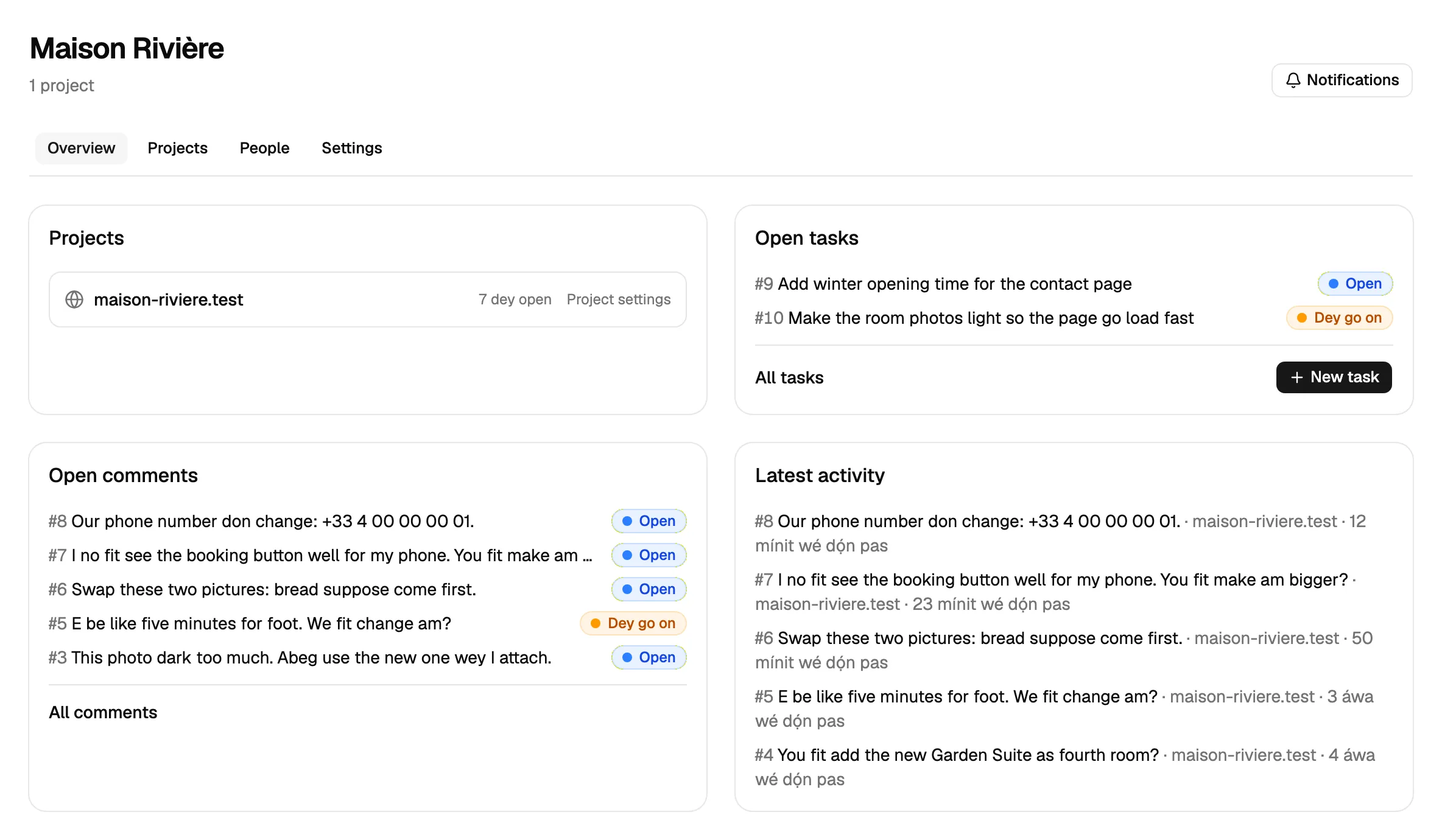
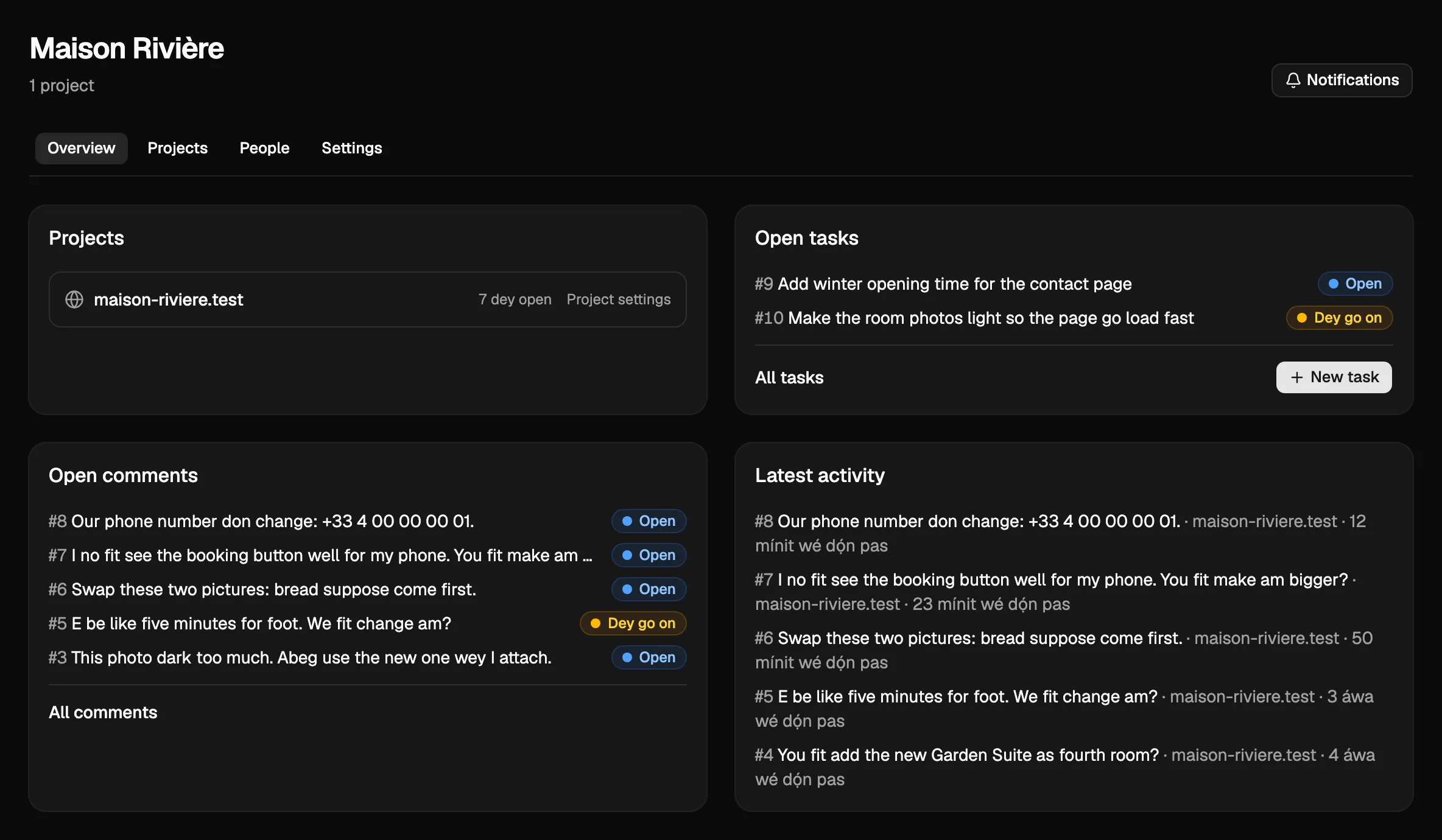
- Di agent dey set up di project. E go find di project wey Notiamo make for you, add di widget to your code and check say e dey work.
- Di agent dey invite people. E go invite your team, and your client, by email.
- You and di agent dey work on di feedback. Your client dey comment for di site. Di agent dey read each comment, make di change, reply and mark am done. Your client go check am and close am.
You don already get account? Di agent no fit sign up your email again. Connect am with Sign in with Notiamo, or give am key (see How to connect your agent).
Wetin na only you dey do
Di agent no dey ever do dis steps. Dem dey for you.
- Confirm your email. No account go open until you press Confirm.
- Allow di app. When app connect with Sign in with Notiamo, na only you fit press Allow.
- Pay. When di free plan too small, di agent go ask for payment link. You go get di email “Your agent asks to upgrade”. You go pay for di Stripe page. Di agent no dey ever see your card.
- Confirm a move. When di agent ask to move project or workspace, you go get email. Nothing go move until you confirm, within 24 hours.
- Close comment. Your client dey close am, after e check di change. Di agent dey only mark am done.
Real agency work wey your agent fit do
When di setup finish, di agent go become member of your team wey no dey sleep. Dis na jobs wey agencies dey give dia agents today.
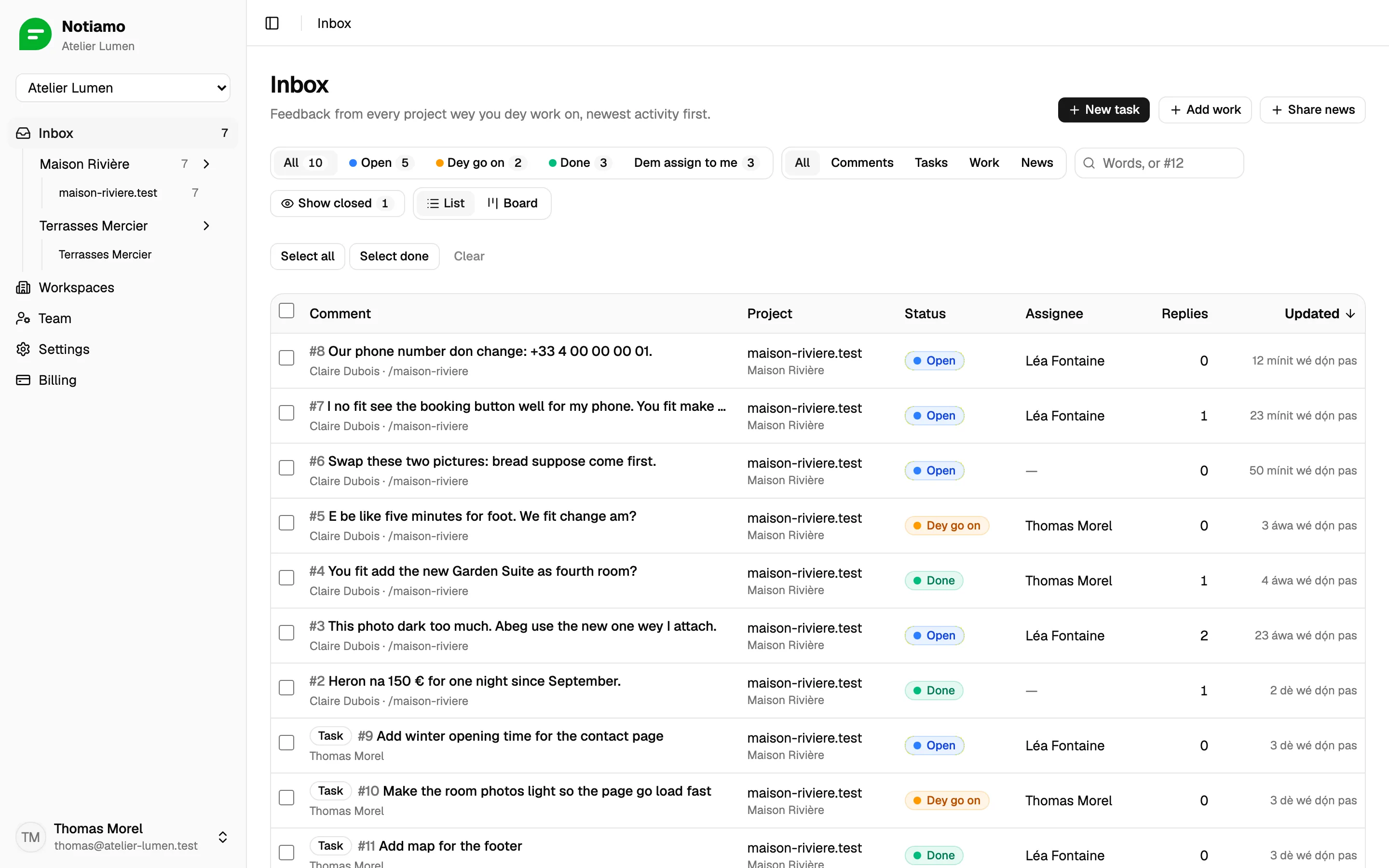
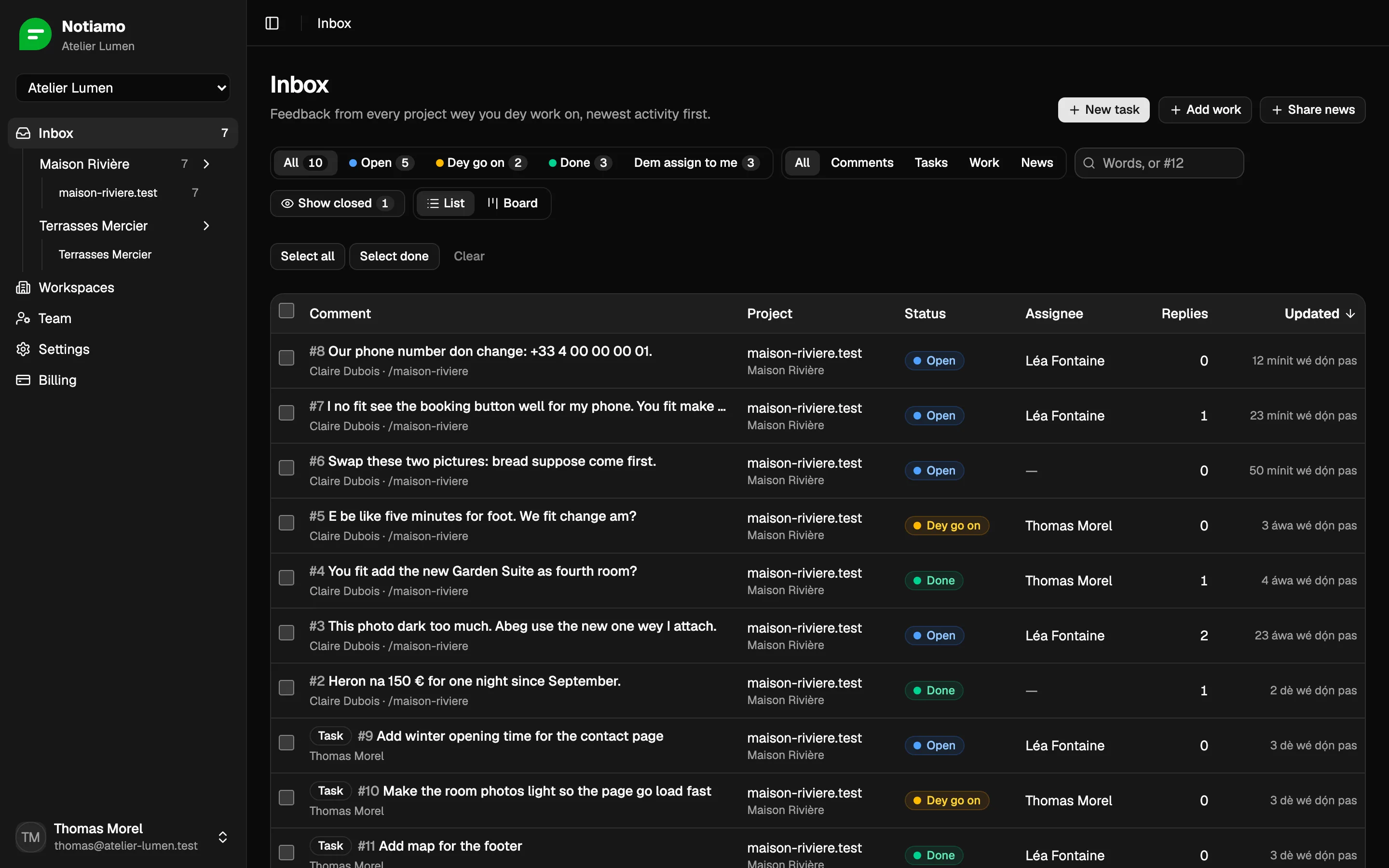
Every morning: sort di new feedback
Ask: “Every morning at 8, read the new Notiamo comments. Assign each one to the right person, and send me a short summary.”
Di agent dey ask Notiamo only for wetin change since im last check. E dey keep bookmark, so e no dey read everything again every morning, and e no dey miss anything.
Di agent dey read each comment with im page, im screenshot and im photos. E dey assign di comment, set di status, and write internal note when e need to explain something to di team. Dem no dey ever show internal notes to di client.
Fix small changes by itself
Ask: “When a comment asks for a text or a picture change, make it in the code, put it on the preview site, reply to the client and mark it done.”
Di agent need access to di code of di site for dis one. OpenClaw and Hermes dey work inside di code folder for your computer or server. ChatGPT dots, Grok Bot and Muse dey work for dia own cloud computer, so give dem access to di code repository (for example for GitHub).
Di client go see normal reply. Your team go see which agent do am, for example (via Hermes). Di name na di name of di key or app of di agent.
Turn emails and meeting notes to tasks
Ask: “After each client call, read my notes and add a Notiamo task for each thing we agreed to do.”
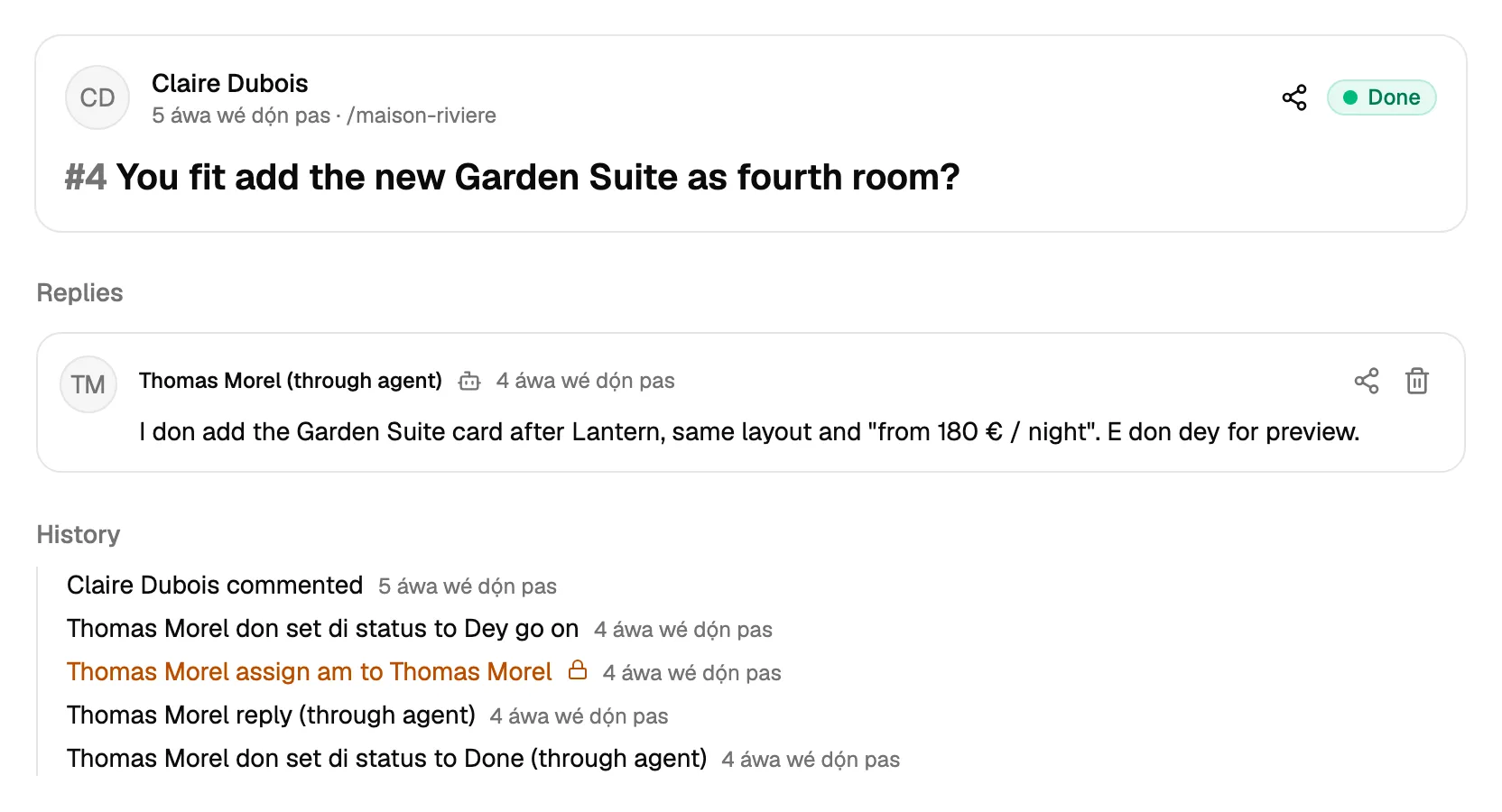
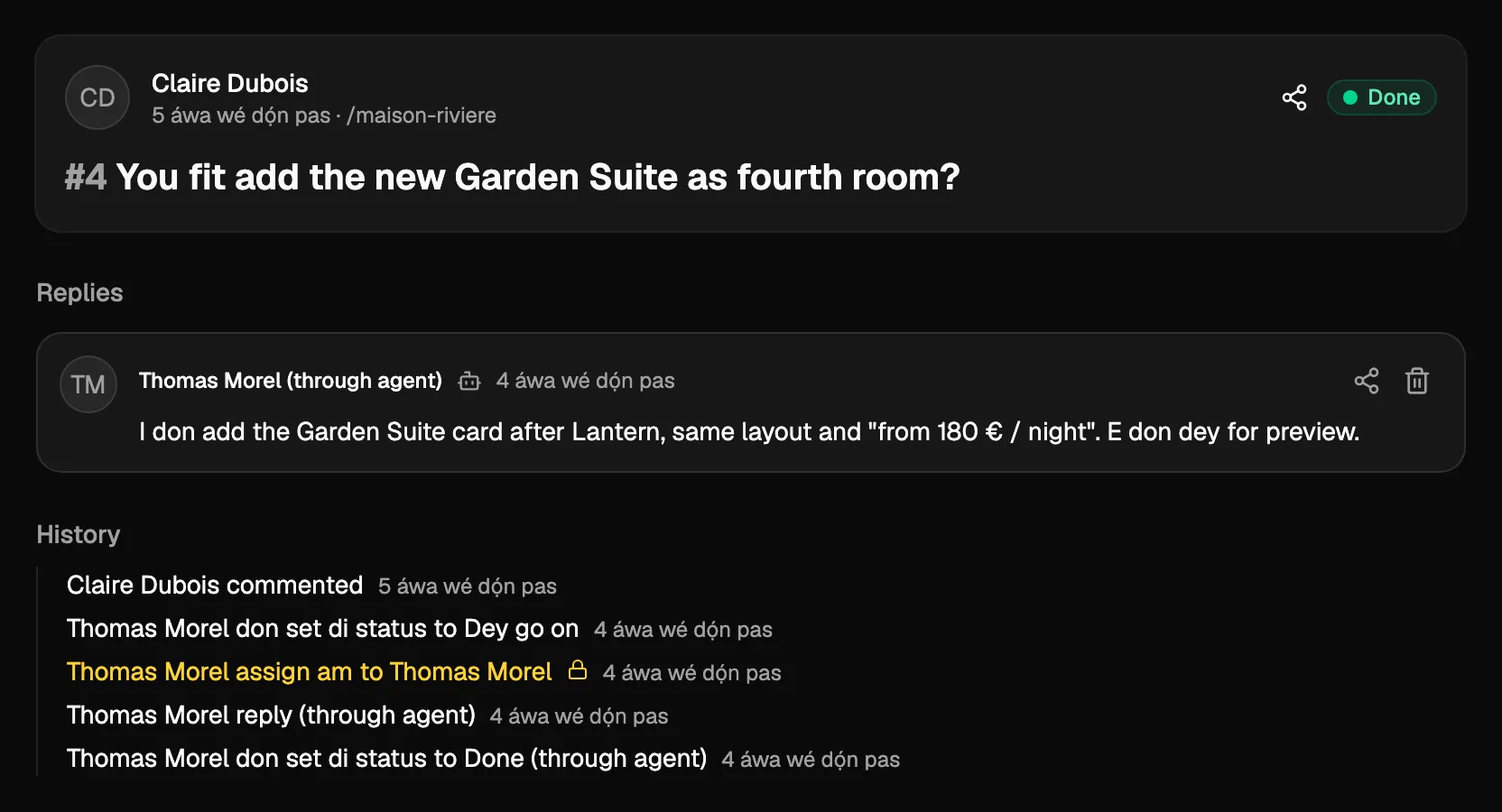
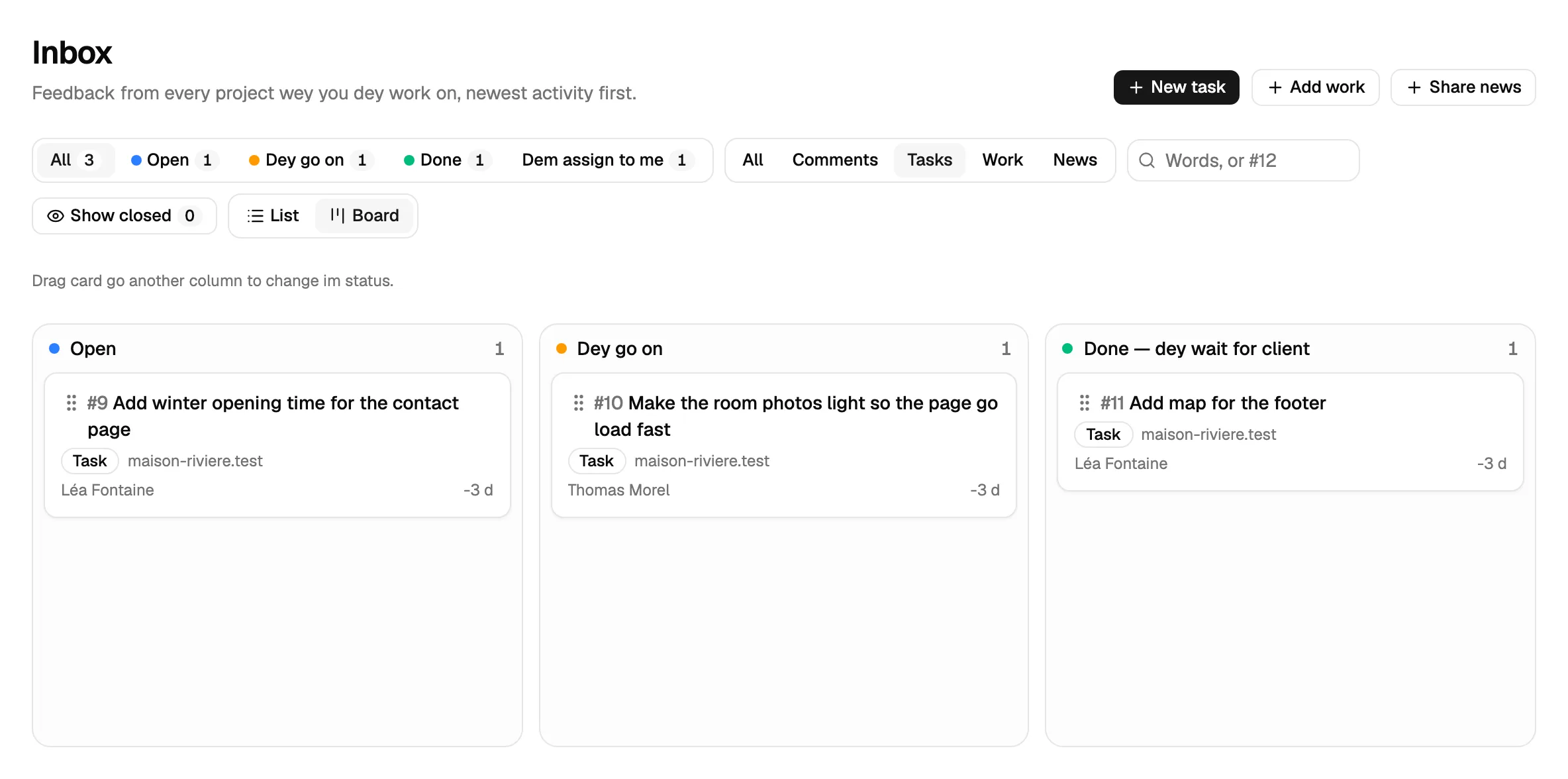
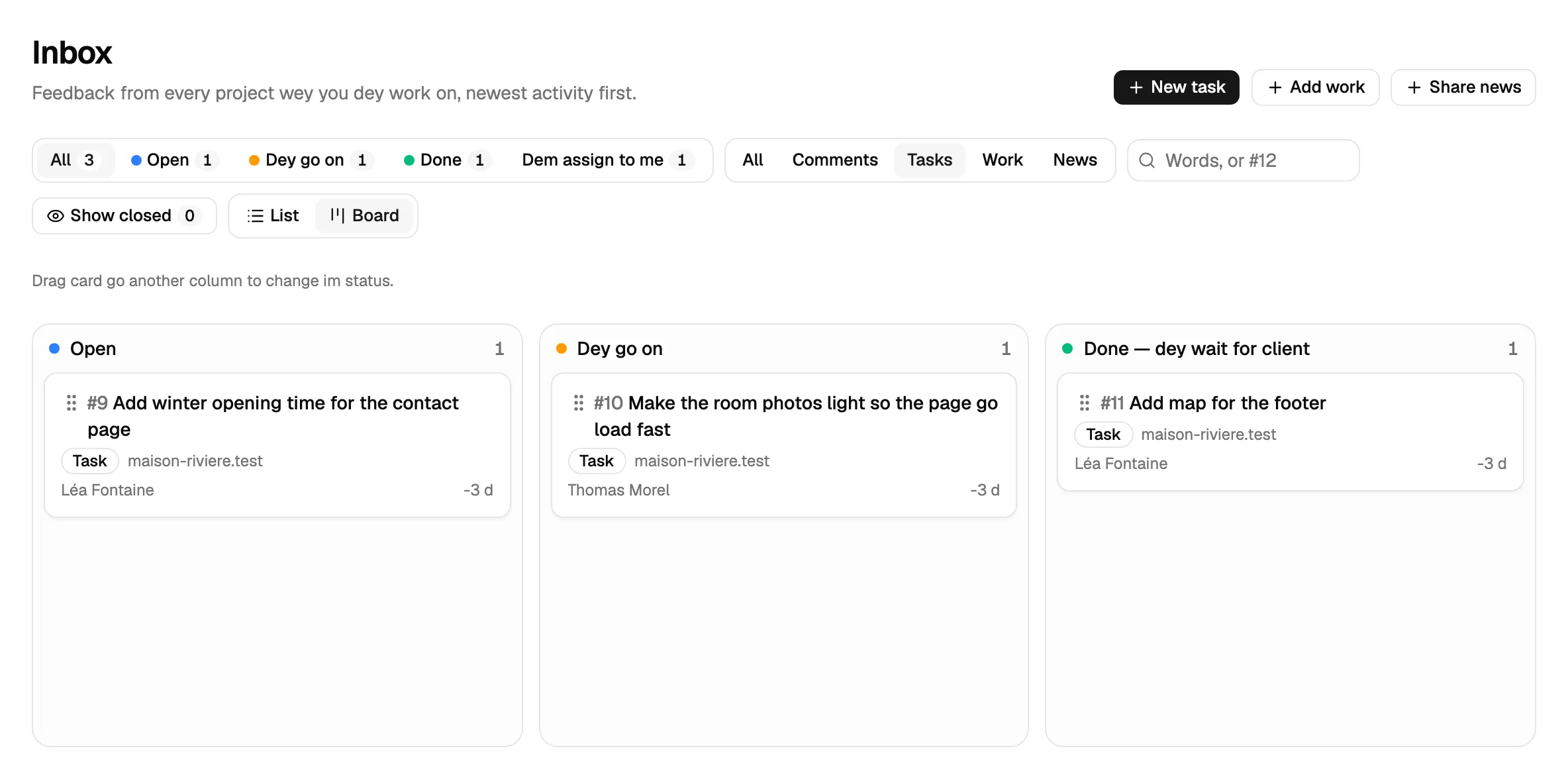
Di agent dey add task with title, text and, if one dey, di page. When plan change, e fit also fix di title and di text of task. Tasks dey show inside di inbox and for di board beside di comments. Your client dey see dem inside di widget. More dey for Tasks.
Set up new client with one message
Ask: “We have a new client, Domaine des Tilleuls. Make a workspace and a project for domaine-tilleuls.fr, and invite claire@domaine-tilleuls.fr as client admin.”
For paid plan or di Studio trial, di agent go create di workspace and di project, give you di embed code, and send di invite. For di free plan, e go tell you which plan you need, and ask you to pay.
Follow up and report
Ask: “Every Friday, tell me which comments are still open for more than 3 days, and remind the person they are assigned to.”
Di agent dey list di comments by status and age. E fit reply di client to talk when change go ready.
E go ask before e act
You dey choose wetin your agent fit change for Notiamo. You dey choose am when you allow app, and when you create key. Three choices dey ready:
- Read-only: di agent fit look everything, and change nothing. Good way to start.
- Work on feedback: Notes, Replies, Status and Tasks. Enough for di daily work.
- Full: everything, also Setup (workspaces, projects and addresses), Invites, Billing and Moves.
With Customize, you go tick di groups one by one. For example, add Setup and Invites for di first day, while di agent dey set up di project. To invite team members always need Full.
When di agent try something wey e no fit do, Notiamo go say no and call di permission wey miss. Good agent go tell you, and e no go try another way.
Most of dis agents dey also let you choose wetin dem must ask you first. Good start: make dem read, assign and write internal notes by demselves, and ask you before dem reply client, mark something done or invite person.
How to connect your agent
Every agent dey connect to di same Notiamo MCP server (MCP na di standard way for AI agent to use di tools of another app). Di address na https://my.notiamo.com/api/mcp.
Two ways dey to connect:
- Sign in with Notiamo. You add di address to di app, then log in to Notiamo and allow di app. No key to copy. ChatGPT dots, Grok connectors, claude.ai and Meta Muse dey work like dis.
- A key. Di agent dey send di key inside di header
Authorization: Bearer YOUR_KEY(di key dey start withntm_). OpenClaw and Hermes Agent dey work like dis. Grok Bot fit use any of di two ways.
Dis agents dey change fast. Di steps below correct for October 2026. If menu don move, give your agent di link notiamo.com/agents and ask am to connect by itself.
Sign in with Notiamo
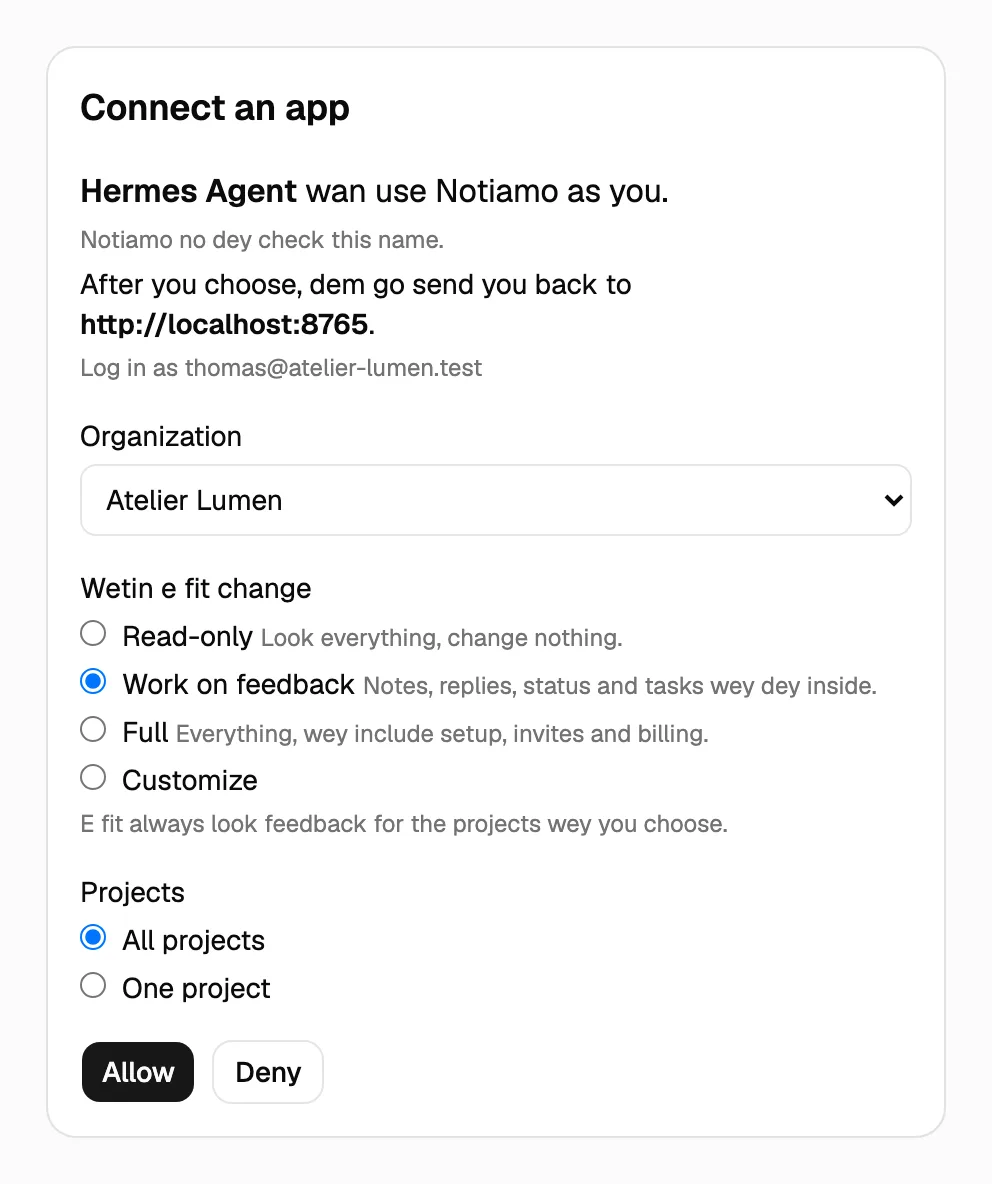
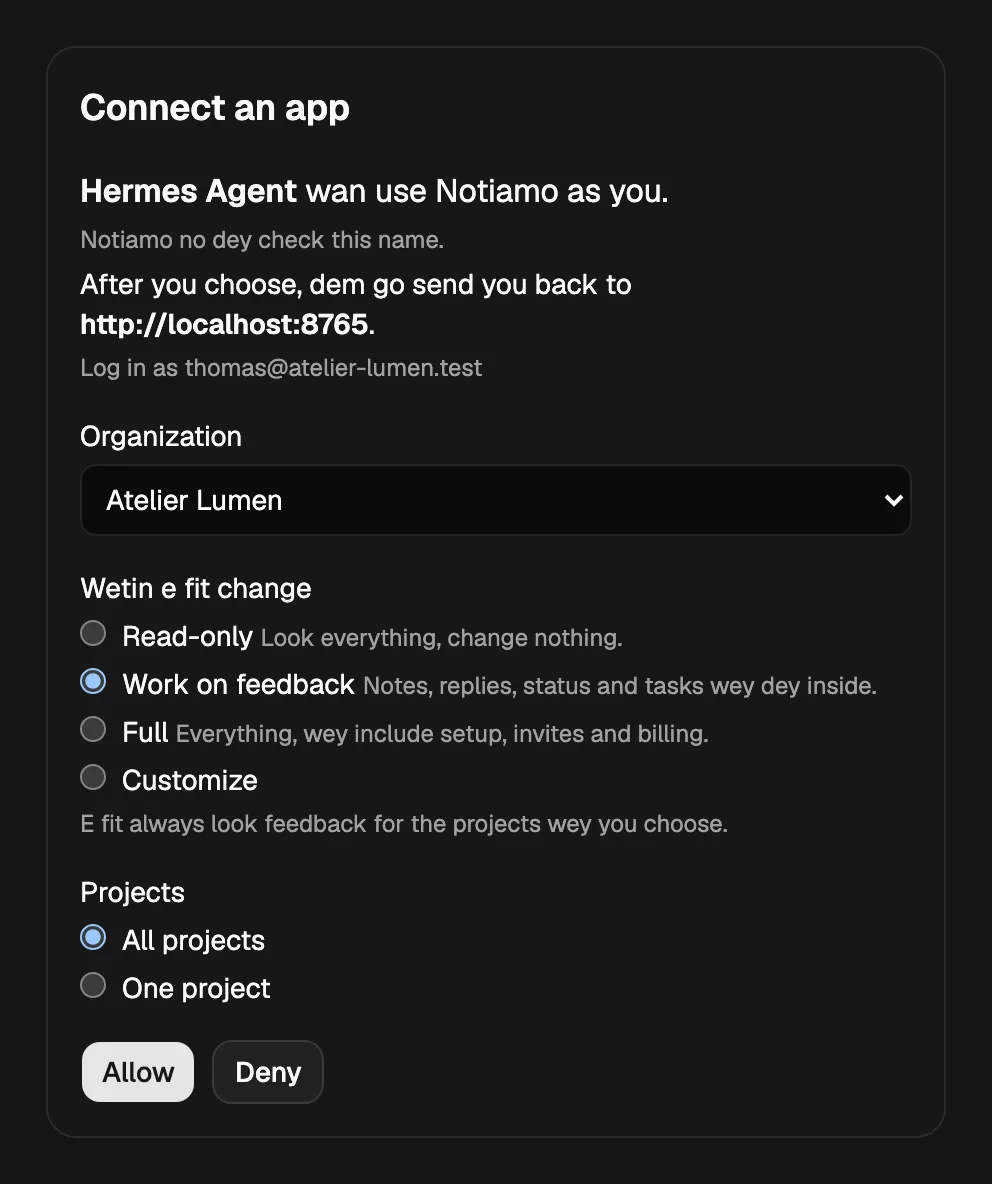
When you add di address, di app go open di Notiamo page Connect an app. For dis page:
- Log in to Notiamo, if you never log in.
- Choose di Organization.
- Choose Wetin e fit change. Work on feedback dey ticked. To add more, choose Full or Customize (see E go ask before e act).
- Choose di Projects: All projects, or one project.
- Press Allow.
Di page dey show di name wey di app give itself. Notiamo no dey check dis name, so allow only app wey you just add by yourself. Only members of di agency team fit connect app.
ChatGPT dots
Dot fit use app wey you add to ChatGPT. Add Notiamo as custom MCP app with di address above. Then sign in with Notiamo and press Allow. Your ChatGPT plan and your workspace settings dey decide whether you fit add custom apps.
Grok connectors and Grok Bot
For di connectors page of Grok (grok.com/connectors → New Connector → Custom), enter di address above. Grok go then ask you to sign in with Notiamo. Press Allow.
Grok Bot fit use dis connector. E fit also call di MCP server with fixed Authorization header and key. Give am di address and di header, or ask am to read notiamo.com/agents and connect by itself.
claude.ai
Add Notiamo as custom connector with di address above. Then sign in with Notiamo and press Allow.
Meta Muse
Ask Muse make custom connector: “Make a custom connector for the Notiamo MCP server at https://my.notiamo.com/api/mcp.”
Muse go open di Notiamo sign-in. Press Allow. Then, inside di Muse settings, choose which Notiamo actions need your approval (see E go ask before e act).
OpenClaw
Add Notiamo as MCP server inside di Control UI, under Settings → MCP. Choose di transport Streamable HTTP, enter di address, and add di Authorization header with your key. Or add am to di config under mcp.servers:
{
  mcp: {
    servers: {
      notiamo: {
        url: "https://my.notiamo.com/api/mcp",
        transport: "streamable-http",
      },
    },
  },
}
Keep di key comot from di config file: add di header inside Settings → MCP, where OpenClaw dey keep secrets. Then check di connection with openclaw mcp doctor notiamo --probe. If OpenClaw dey run for another machine, restart im gateway there.
Hermes Agent
Add Notiamo to ~/.hermes/config.yaml:
mcp_servers:
  notiamo:
    url: "https://my.notiamo.com/api/mcp"
    headers:
      Authorization: "Bearer YOUR_KEY"
Then type /reload-mcp inside Hermes. Hermes gateway wey dey run all di time go read di change by itself within about one minute.
Other agents
Any agent wey fit use remote MCP server over HTTP fit use Notiamo, with Sign in with Notiamo or with key. For Claude Code and Cursor, see Connect an AI agent.
Give your agent key
When di agent sign you up, e don already get key. E only need to save am inside im own settings. Make key by yourself when you don already get account, or when di key of di agent loss.
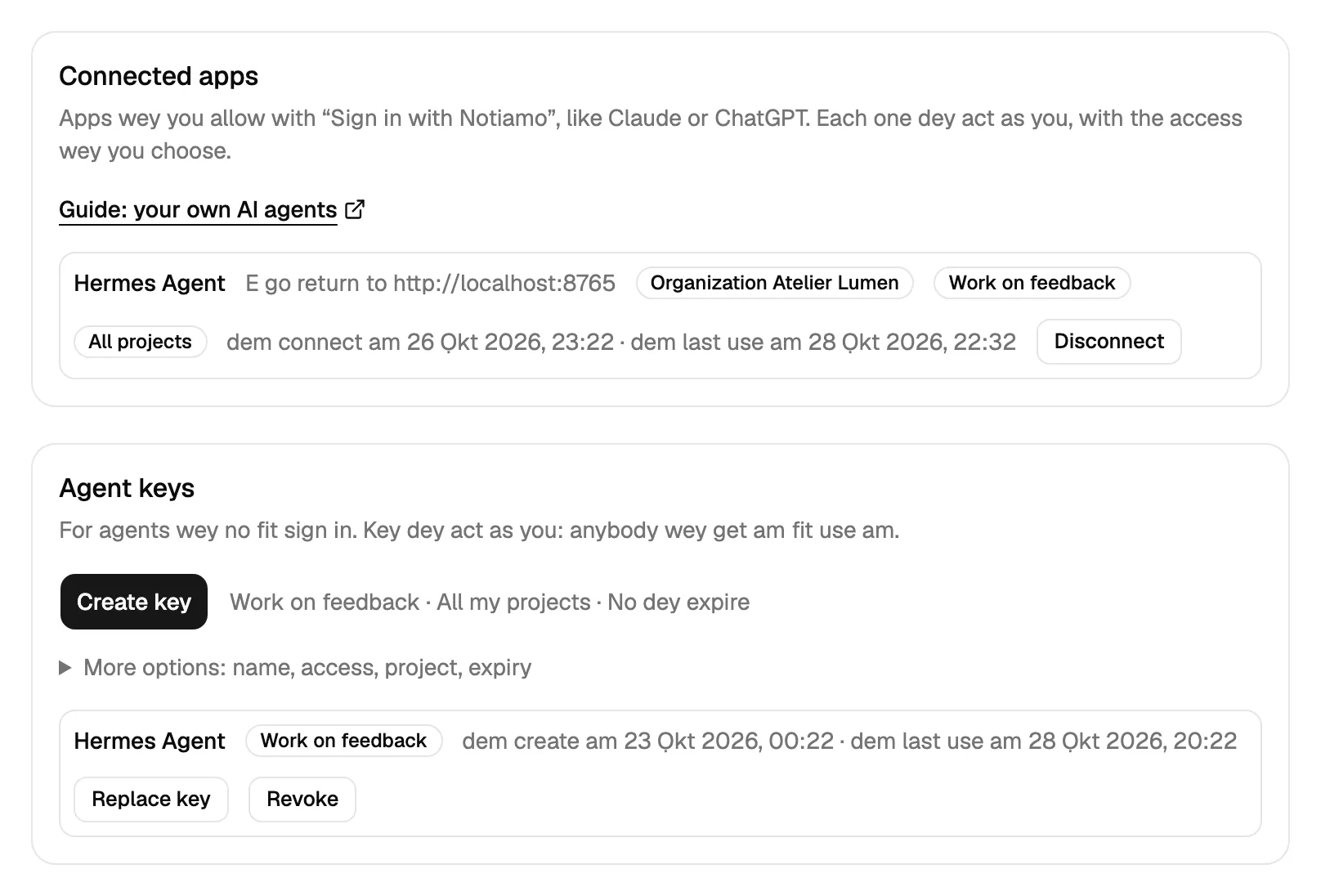
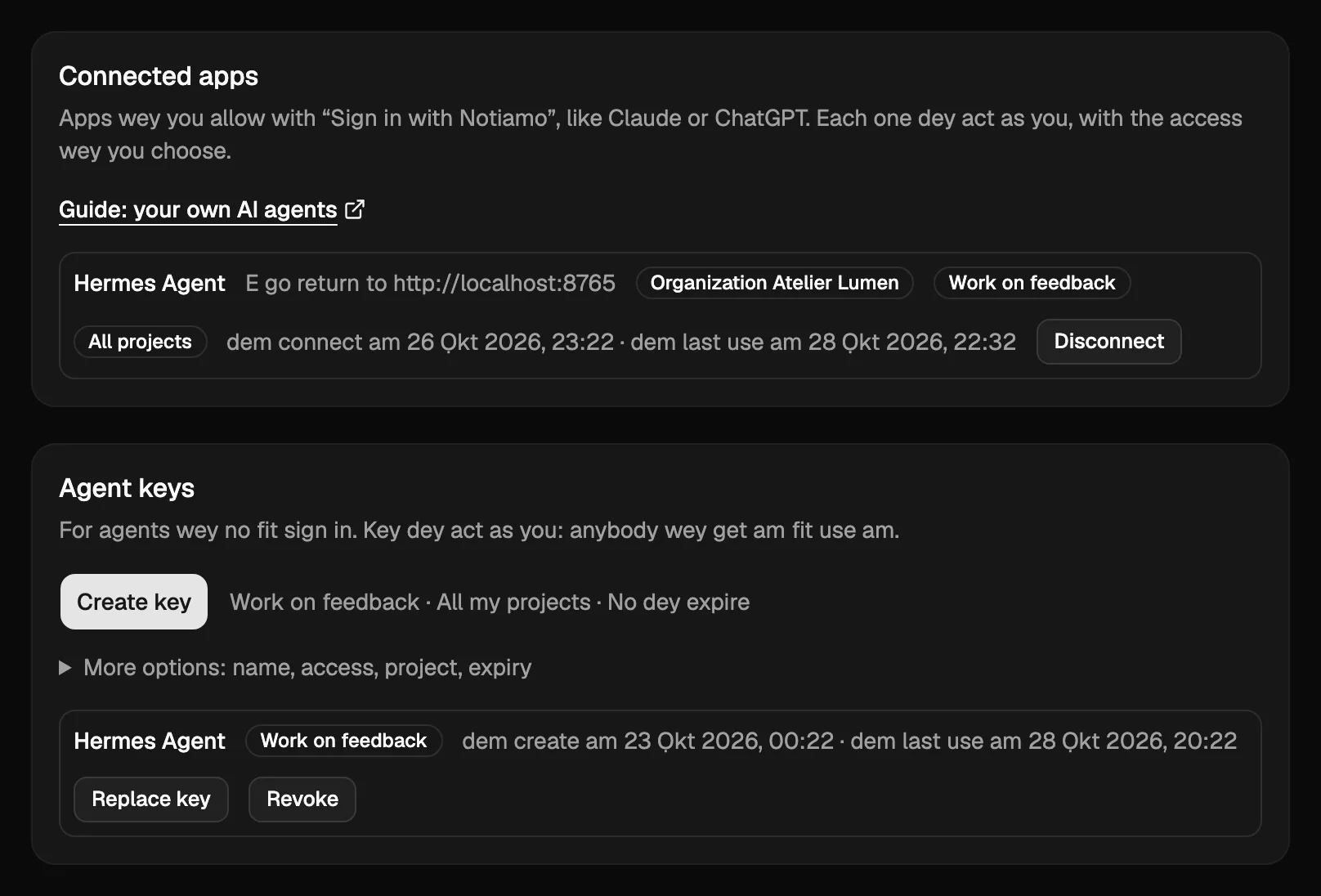
- Log in for my.notiamo.com and open Settings › AI agents. Find di Agent keys card.
- Open More options. Give di key name, for example “Hermes”. Your team go see dis name beside wetin di agent dey do. If you leave am empty, di key go get name by itself.
- Choose di Access: Read-only, Work on feedback (na di choice when you no open More options), Full, or Customize (see E go ask before e act). For di first setup, choose Full and All my projects.
- Press Create key and copy am. Dem go show am one time only.
- Give am to your agent through im secure settings, no be inside chat message wey others fit read.
Key dey act as you. Keep am like password.
Stop or change agent
Everything dey inside Settings › AI agents:
- For Agent keys, press Revoke beside key to stop di agent sharp-sharp. Press Replace key to give am new key: di old one go stop to work.
- For Connected apps, you go see each app wey you allow, with im organization, im access and im projects. Press Disconnect to stop am sharp-sharp. Di app fit ask you to connect again later.
To change wetin agent fit do, connect am again or make new key with other choices, then stop di old one.
When di agent talk say no
Notiamo dey answer di agent with clear reason. Good agent go tell you di reason for your language and e no go try to work round am. Di most common reasons dey for Make AI agent set up Notiamo for you.
New workspaces, projects and tasks get daily limit, and payment link emails get am too. Dis one dey stop confused agent from filling your account or your inbox.