You dey comment right for di page of di site. Notiamo dey keep di exact spot, di page address, di screen size and di browser with your comment, so nobody go need ask “where?”.
Log in for di site
- Open di site with di link from your invite, or add
?notiamo=1to di page address. - Press Log in make you review for di bottom right. Small window go open. If nothing open, allow pop-ups for dis site.
- Type your email, then open di login link wey we send you. Di window go close and you go dey back for di page.
Di button go now read Review. Press am to open di review tools.
Mark di spot
Di toolbar get one tool for each kind of mark. Each one get key.
- Browse (V): click and scroll as usual. When links locked, block under di mouse go get dashed outline; click di + button to comment for dat section.
- Highlight text (H): select words for di page.
- Rectangle (R) and Circle (C): drag round one area.
- Freehand (D): draw, then leave am.
- Pin (P): click anywhere.
- Comment on dis page (N): note about di whole page.
Links locked (L) dey stop clicks for di page from opening links while you dey review. Press L again to unlock dem. Press ? to see every shortcut.
Write your comment and press Comment, or Ctrl+Enter (⌘+Enter for Mac). Type @ to call somebody for di team: dem go get email sharp-sharp.
Add screenshot
- For di comment box, press Add screenshot.
- Di browser go ask wetin to share. Choose dis tab. E dey ask one time for each page.
- Pick di size: Section or Full screen.
To stop to share, press Stop. Some browsers, most phones among dem, no fit take screenshots; you go then see “Screenshots not supported on this device”. Put photo instead.
Put photos or documents
Press Put photo or document. You fit add:
- photos: JPEG, PNG or WebP;
- documents: PDF, Word, OpenDocument or text;
- videos, for Studio and Agency plans: MP4, MOV or WebM, up to 5 minutes and 500 MB each.
Up to 10 files for each comment, 10 MB each (5 MB for di free plan). One comment fit hold up to 20,000 characters; if di text long pass, attach document.
Record voice note
If di plan of di project include voice notes, di comment box get Record voice note. Talk, press Stop, then Use this recording: dem go write out di recording inside di text box, for di language wey you talk. Abeg read am and correct am before you send; nothing dey send by itself. Di recording go stay attached to your comment. If your browser or di site block di microphone, di button go talk am, and you fit type instead.
Find and follow comments
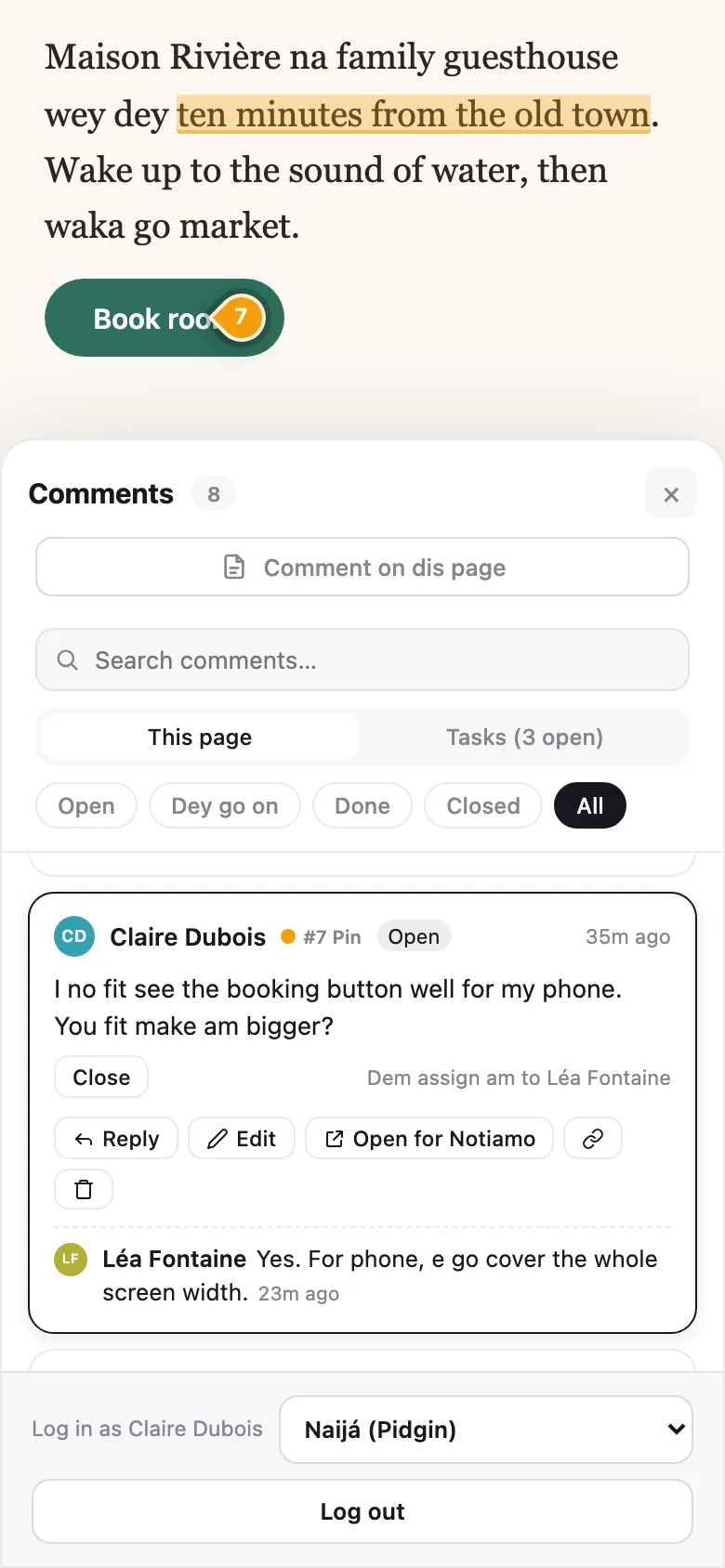
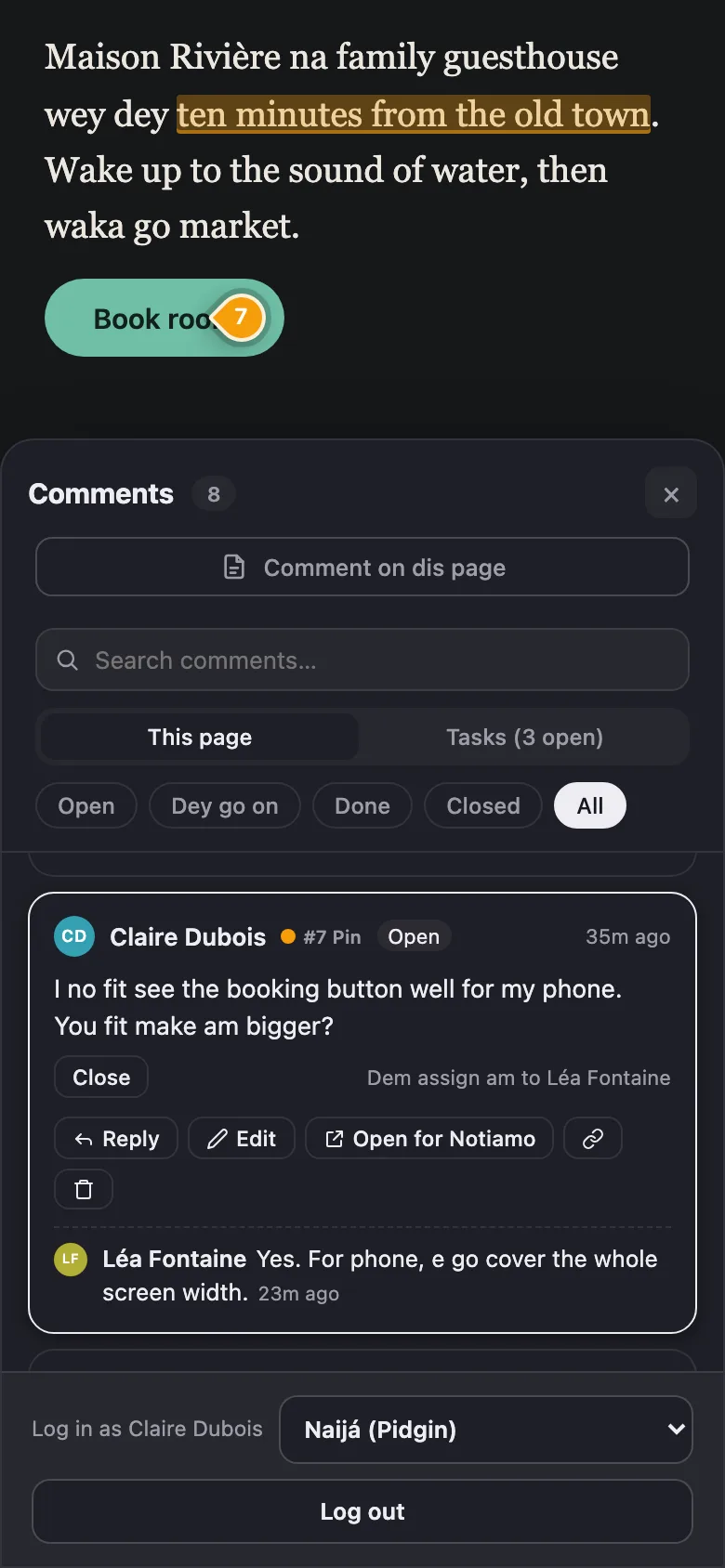
Press Comments (A) to open di list. Filter am by Open, Dey go on, Done, Closed or All, or search am. Click comment to jump go im spot for di page. You fit Edit or Delete your own comments and reply under any comment.
When di team mark your comment Done, check di change. Then press Close, or Reopen if e still need work. See Statuses, assigning and internal notes.
If you log in for di site, you go see Open for Notiamo for comment card. E dey open dat comment inside di dashboard, where you fit answer am. When person reply your comment or mark am done, you go also get email sharp-sharp. See Email summaries.