Your website, your words
The team that makes your website uses Notiamo to hear from you. This page shows the three things you can do. Two minutes, nothing to set up.
Three things you can do
Say what to change, right on the page
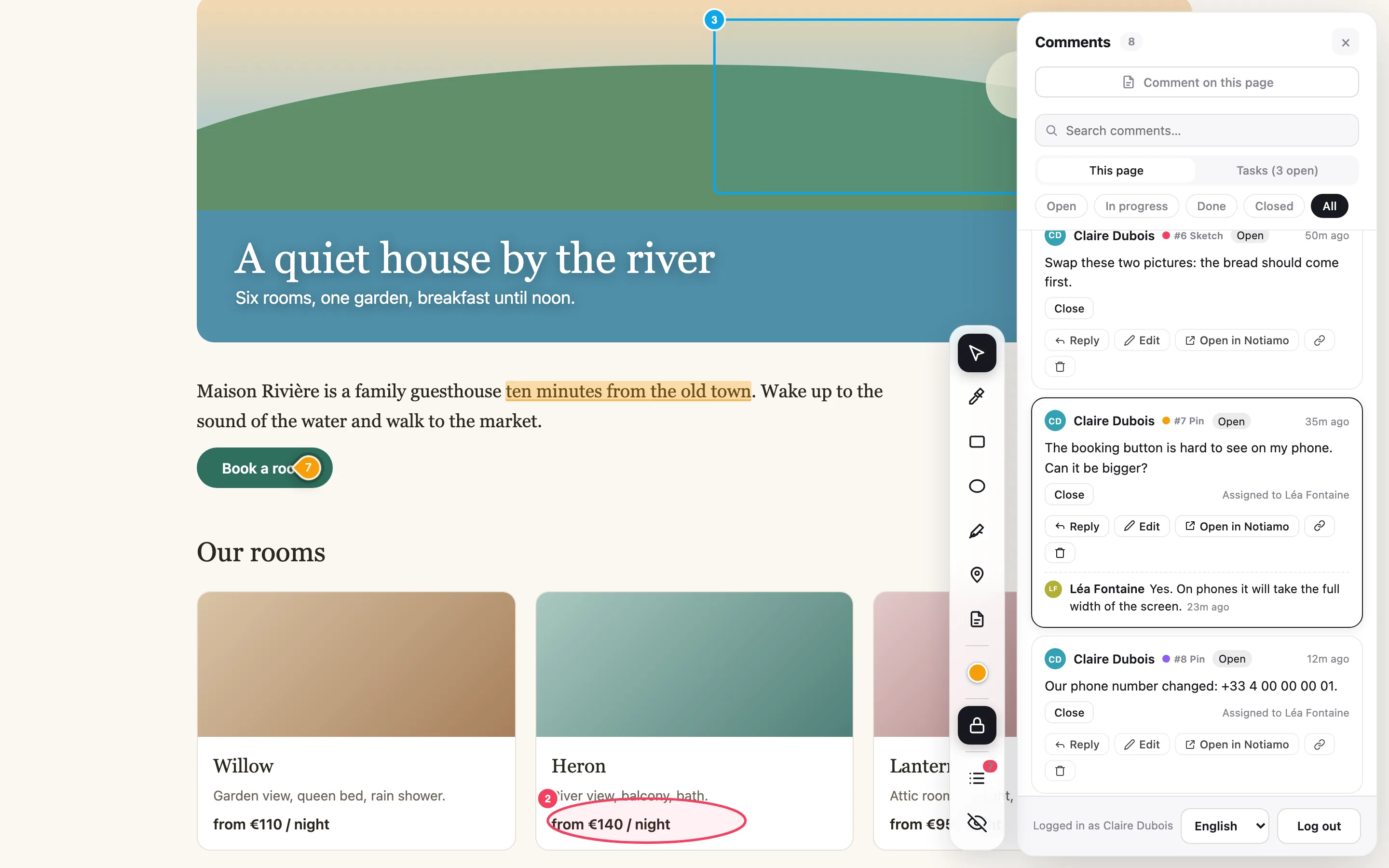
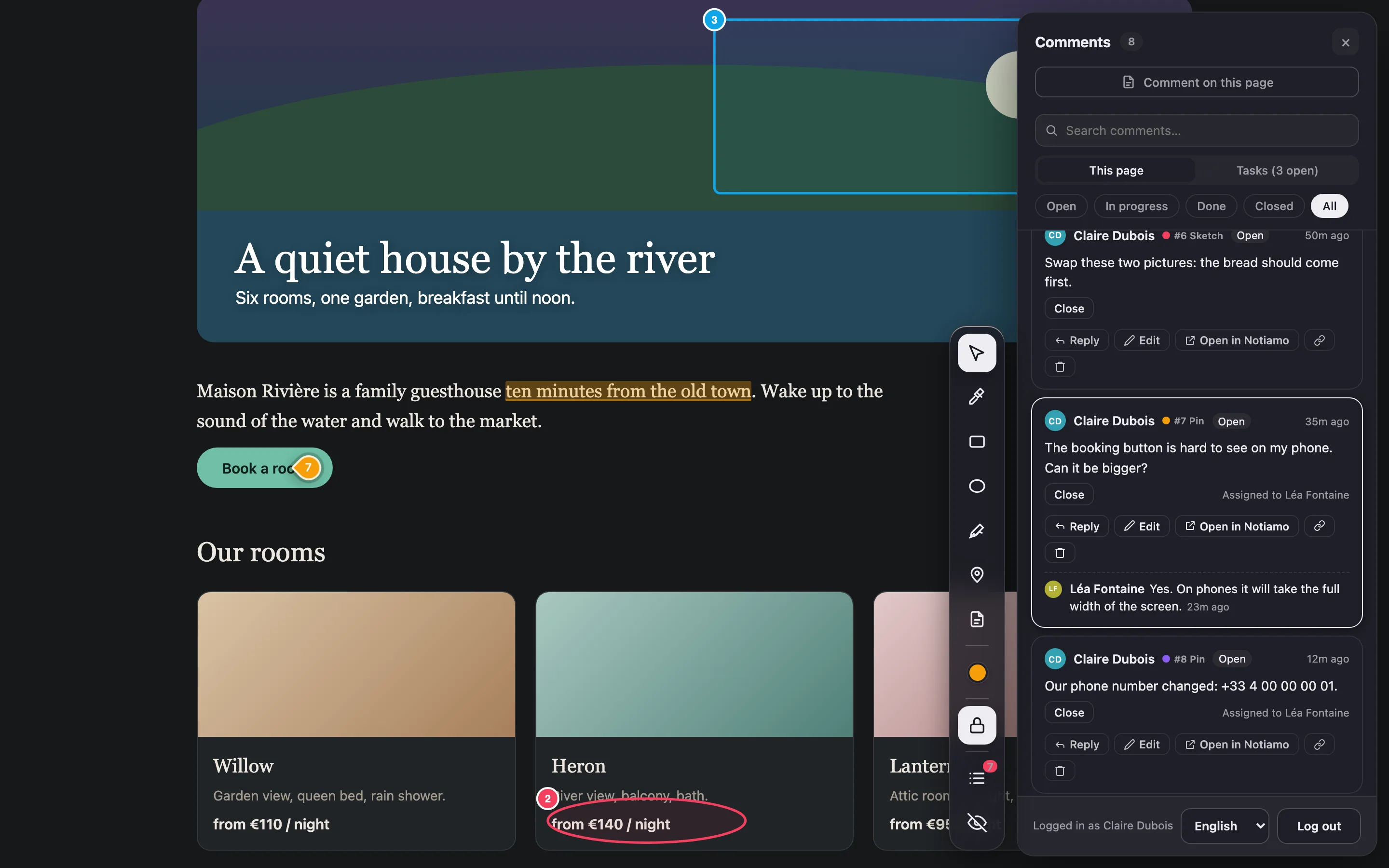
Open your website from the link in your invite and press Review, at the bottom right. Click the spot you mean and write a few words. Add a photo if it helps, or speak instead of typing. Your note stays on that spot, so nobody has to ask “where?”.
Send your news or your finished work
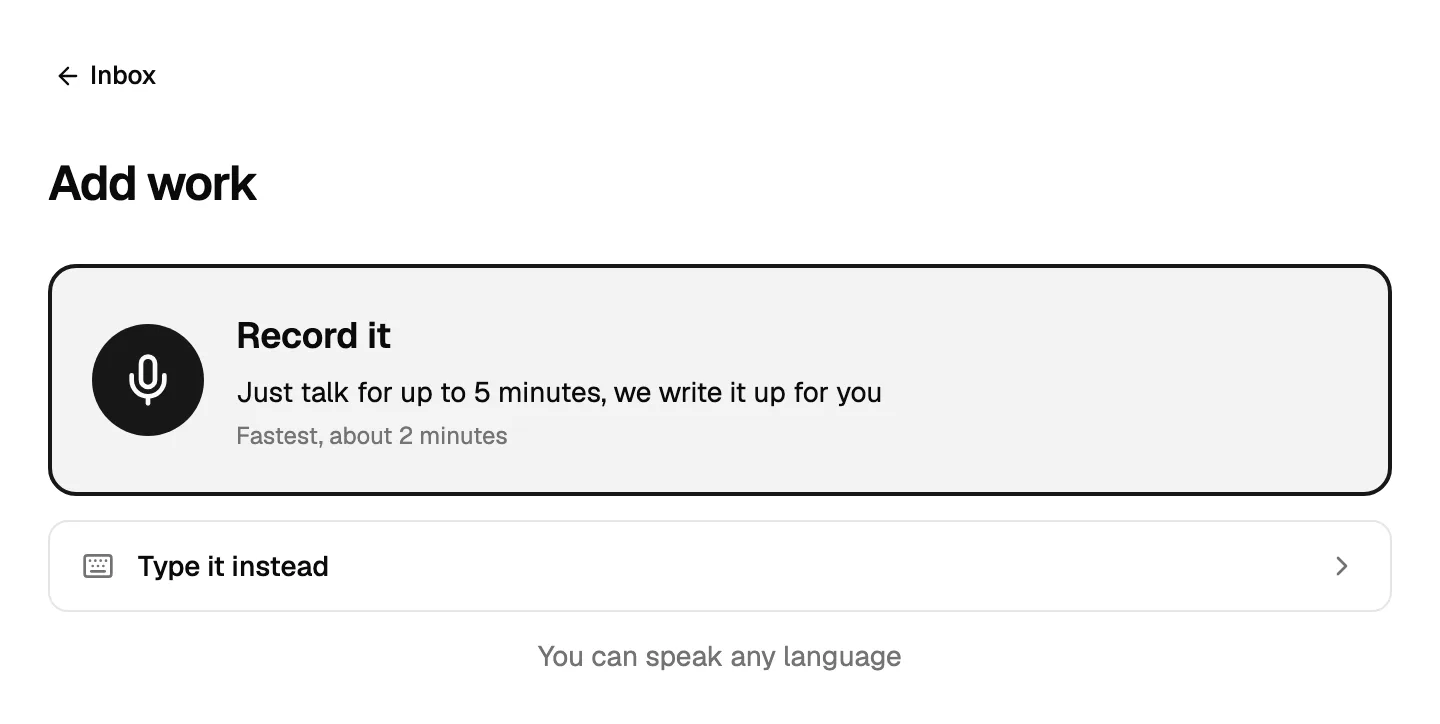
Press Share news or Add work. Say it like you would on the phone, or type it, and add a few photos. Your agency turns it into an article for your website and posts for social media. Nothing goes out before you approve it.
Ask for a bigger change
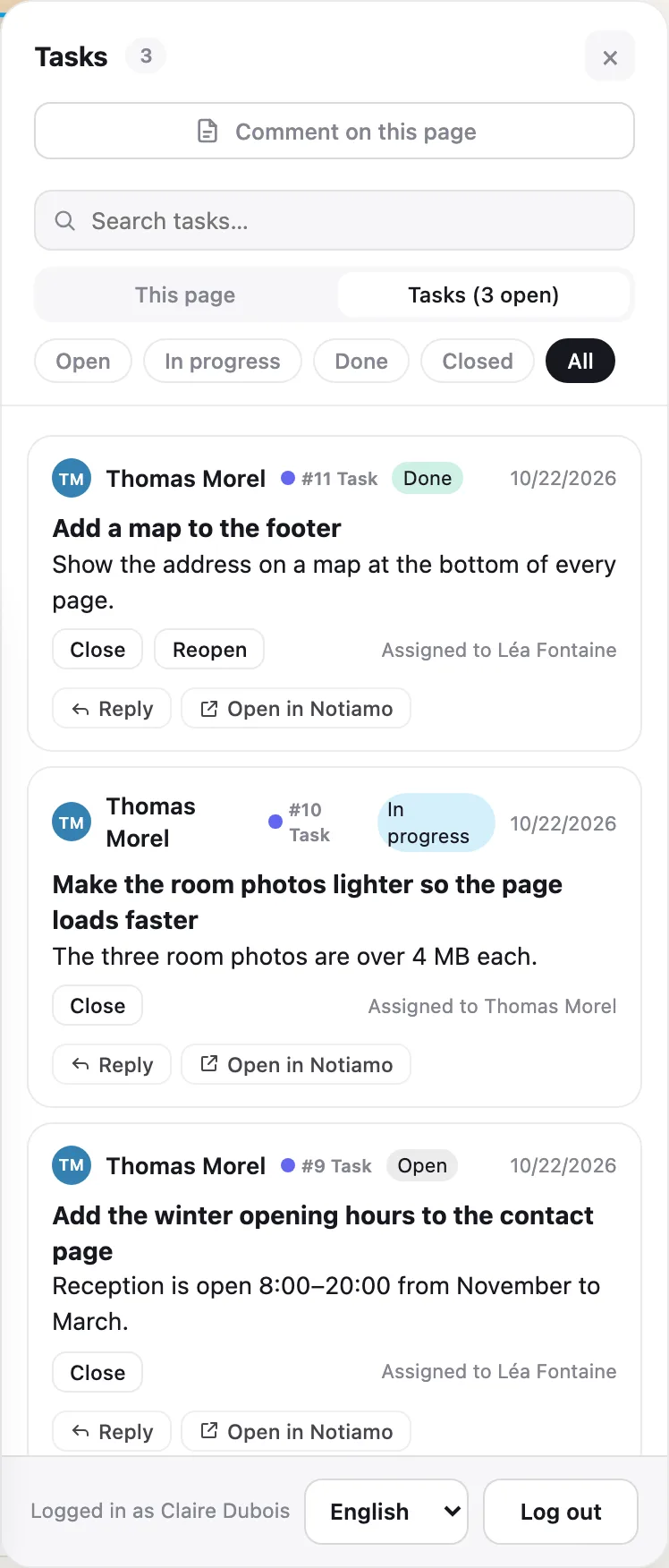
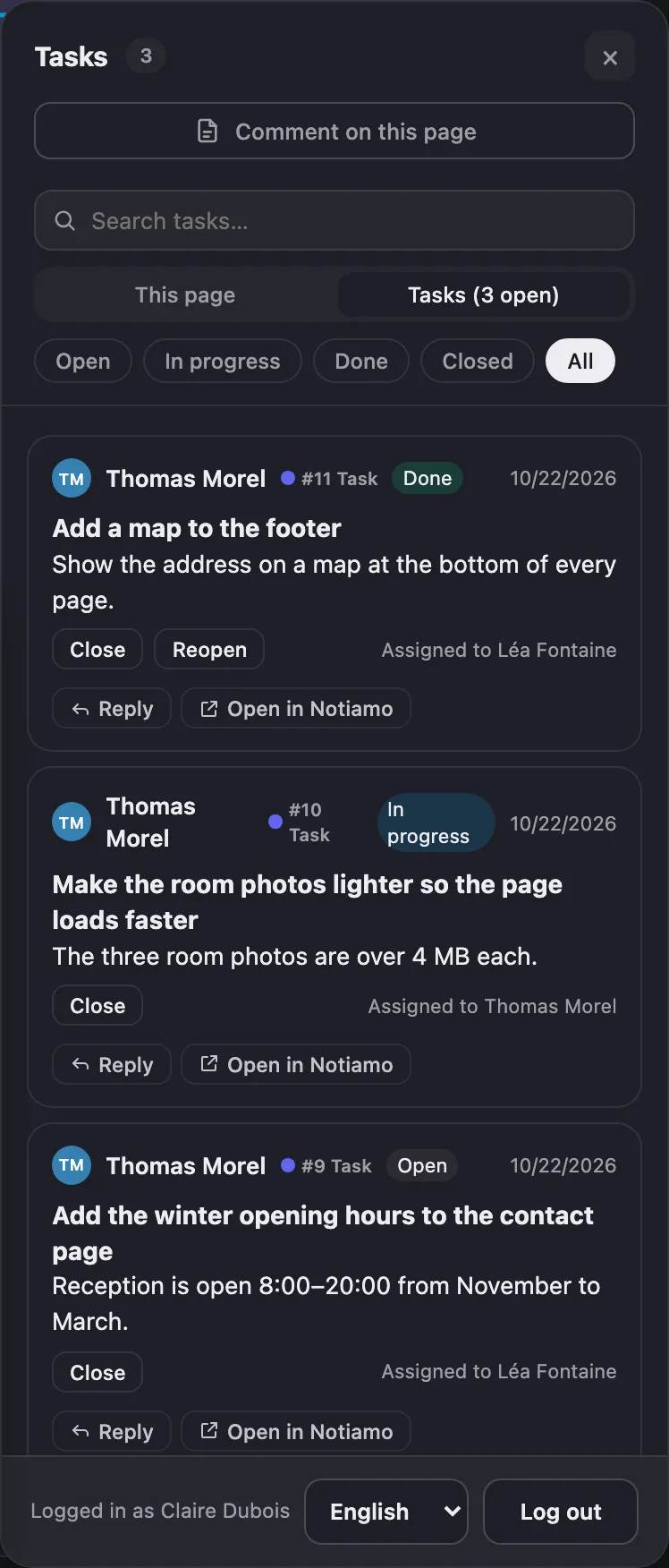
Press New task. Give it a title, a few words and a photo if you have one. “New menu for the season”, “Update the opening hours”, “A page about the new service”. Your agency sees it at once.
How to get in
Open the email from your agency and press the button: you are in. Next time, type your email and open the link we send you. There is no password to remember.
On your phone, you can add Notiamo to your home screen like an app. Your browser offers it the first time you open it.
What happens after you send something
Your agency sees your notes, news and tasks in one list and answers right under them. You get an email for each answer and can reply there. When something is done, close it, or say it is not right yet.
What the video says
- Your agency uses Notiamo to hear from you. Open your website from the invite link, and press Review.
- See something you want changed? Click the spot and say it in your words. The note stays right there, so nobody has to ask "where?".
- Your agency answers under your note, and you get an email. When it is right, close it.
- Have news, or a job you finished? Press Share news or Add work. Say it like you would on the phone, add a few photos, and send. Your agency makes an article for your website, and posts for social media. You approve before anything goes out.
- For a bigger change, make a task. A title, a few words, a photo if you have one.
- That is all. Everything you send is in one place, and your agency sees it right away.
For the agency
Send this page with your invite. Your client reads it in two minutes.